




















SolarWinds License solutions help organizations activate, manage, and scale SolarWinds products across network monitoring, infrastructure observability, security, database performance, and IT operations environments.
Quick benefits
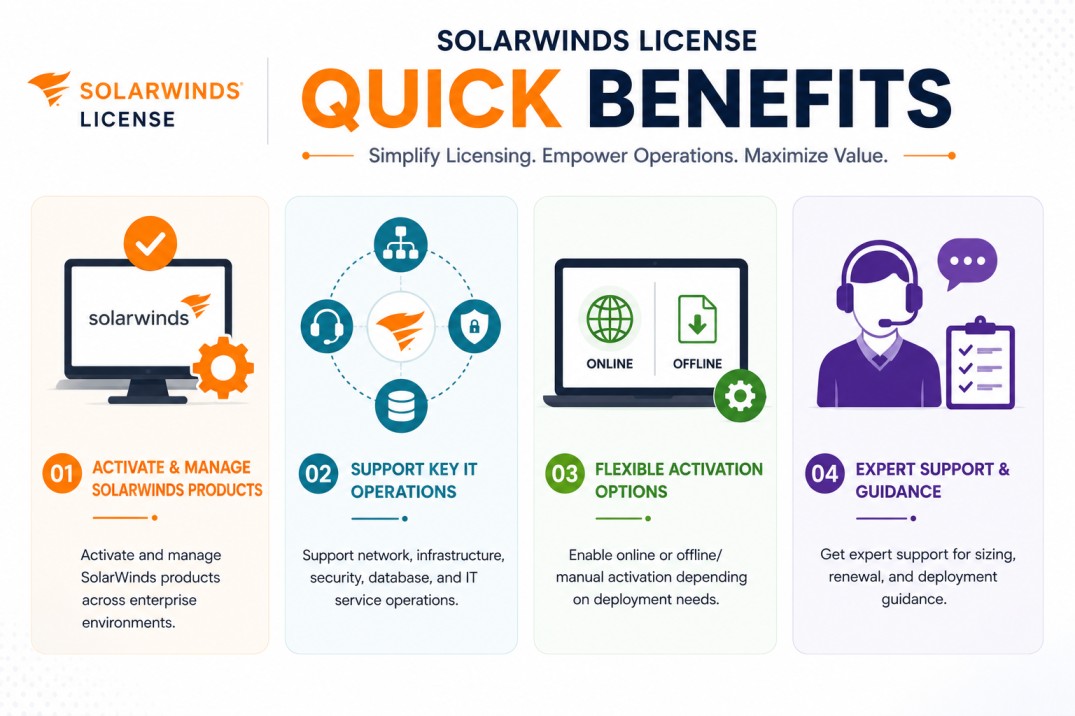
- Activate and manage SolarWinds products across enterprise environments
- Support network, infrastructure, security, database, and IT service operations
- Enable online or offline/manual activation depending on deployment needs
- Get expert support for sizing, renewal, and deployment guidance
SolarWinds License At a glance
What it does : SolarWinds License enables organizations to activate and use SolarWinds software products according to purchased capacity, product edition, deployment model, and subscription scope.
License type : Primarily subscription-based, product-dependent
Typical term : 1 year · 3 years · product-dependent options
Activation method : Online activation or offline/manual activation through SolarWinds licensing workflows
Who needs it : Organizations using SolarWinds products for network monitoring, observability, log management, help desk operations, database monitoring, infrastructure visibility, and IT operations management

License Overview
Organizations deploying SolarWinds products usually need licensing that matches the exact product family, monitored environment, and operational use case. A SolarWinds License can be aligned with different metrics depending on the product, such as monitored nodes, interfaces, volumes, log sources, devices, users, databases, or enabled modules.
Because SolarWinds covers several IT operations categories, licensing should be planned around the actual deployment scope rather than a single generic metric. For example, network monitoring products may depend on monitored elements, while help desk or security products may use different licensing logic.
SolarWinds also supports licensing workflows through its product consoles and Customer Portal. Some products can be activated online, while restricted environments can use offline or manual activation workflows when direct internet access is not available. SolarWinds documentation describes offline activation through the web-based License Manager for SolarWinds Platform products, and some products retrieve activation keys through the SolarWinds Customer Portal. A properly aligned license helps organizations avoid under-sizing, maintain operational visibility, and ensure that the deployed SolarWinds product matches the actual monitoring, security, or IT operations requirement.
How SolarWinds License Works
SolarWinds licensing works differently depending on the product, but the core idea is the same: the license defines what product capabilities are enabled and how much of the environment can be monitored, managed, or analyzed. In practice, the organization selects the required SolarWinds product, confirms the deployment model, and applies the purchased license through the relevant administration console or License Manager. For SolarWinds Platform products, licensing may be tied to monitored entities such as nodes, interfaces, or volumes, depending on the product and tier.
For modern SolarWinds Observability Self-Hosted licensing, SolarWinds documentation describes term subscriptions billed annually, with license tiers based on the number of nodes that can be monitored and managed. The important point is that SolarWinds licensing should be mapped to the actual operational environment. A small deployment may only need core monitoring capacity, while a larger enterprise may require broader visibility across network devices, servers, applications, databases, logs, users, and distributed sites. For restricted environments, activation planning is also important. Some SolarWinds products support offline activation workflows, allowing organizations to activate licenses without direct internet connectivity when required.
Options & Licensing Models
| Licensing Model | Best for | Typical Scope | What affects pricing |
|---|---|---|---|
| Subscription license | Most current deployments | Term-based product usage | Product, scope, term |
| Monitoring-based license | Network and observability products | Nodes, interfaces, volumes, or elements | Monitored capacity |
| User/device-based license | Help desk and operations products | Users, technicians, or devices | User/device count |
| Offline/manual activation | Restricted environments | Controlled activation workflows | Deployment model |
Features & Benefits
As IT environments expand across networks, servers, cloud services, databases, endpoints, and security systems, organizations need licensing that supports operational visibility without unnecessary complexity. SolarWinds licensing helps organizations scale product usage according to the environment being monitored or managed. This allows teams to expand visibility as infrastructure grows while keeping licensing aligned with real operational needs.
One of the major benefits is product flexibility. SolarWinds offers tools across monitoring, observability, security, service management, and database performance, so licensing can be matched to the exact operational use case. The licensing model also supports enterprise planning. By understanding monitored capacity, product modules, and activation requirements upfront, organizations can avoid coverage gaps and choose the correct deployment approach from the beginning. Over time, this helps IT teams maintain more reliable monitoring, clearer operational visibility, and better control over software entitlement and renewal planning.
Compatibility & Requirements
System environments
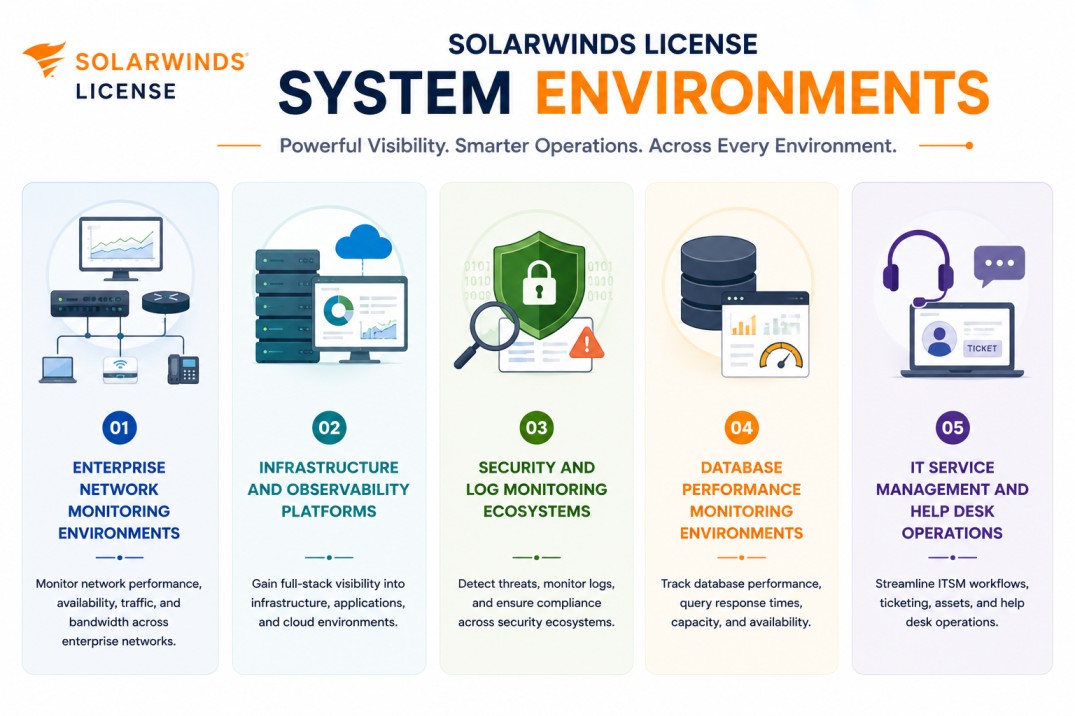
- Enterprise network monitoring environments
- Infrastructure and observability platforms
- Security and log monitoring ecosystems
- Database performance monitoring environments
- IT service management and help desk operations
Technical requirements
- Supported SolarWinds product deployment infrastructure
- Product-specific system and database requirements
- Access to monitored systems, users, devices, or log sources
- Internet access or offline/manual activation support
How activation works
Activating a SolarWinds product License usually starts after the required SolarWinds product is installed in the customer environment. Once the product is deployed, the system generates a unique Machine ID that identifies that specific installation.
This Machine ID is then used to generate the appropriate SolarWinds license file. The license file is typically node-locked, meaning it is tied to that specific server or installation environment and cannot be freely moved to another machine without proper license handling. For example, in a SolarWinds Database self-hosted environment, the generated Machine ID may appear in a module-specific format such as:
Database self-hosted (DBSH) : M81F-1SDR-QTAQ-Q7TD-AUSQ-PCNC-THE2-QGPN-H6TA-SM10-063U-0000-PAHD-0ZM7-0029-034A-0000
Pricing factors + quote process
Organizations usually size SolarWinds licensing according to the product family, monitored environment, deployment model, and required operational visibility. Network monitoring products may depend on monitored elements such as nodes, interfaces, or volumes, while other products may be priced around users, devices, log sources, databases, or product modules. SolarWinds lists subscription licensing options across parts of its pricing catalog, and product-specific licensing varies by solution.
Additional considerations, such as distributed deployment, high availability, observability scope, security monitoring needs, support requirements, and subscription term, can also influence licensing. During the quote process, product requirements, monitored capacity, deployment environment, and activation model are reviewed first so the licensing approach can match the organization’s SolarWinds strategy more accurately.
After you request a quote
- We review your SolarWinds product and deployment scope
- Recommend the most suitable licensing model
- Provide official pricing and delivery details
- Share activation and offline licensing guidance
Pricing depends on your license edition, quantity, term, and deployment needs.