

HP SAN Switch License options enable supported port expansion, fabric features, and management capabilities on the relevant HPE storage networking platform. Choosing an HPE SAN switch license starts with the exact switch model, software release, and installed entitlements. Port upgrades, features, and management subscriptions serve different requirements.
Quick Benefits
- Expand enabled ports on supported switches
- Match fabric capabilities to workload requirements
- Plan inter-switch connectivity and growth
- Coordinate licensing with firmware compatibility
- Separate device features from management subscriptions
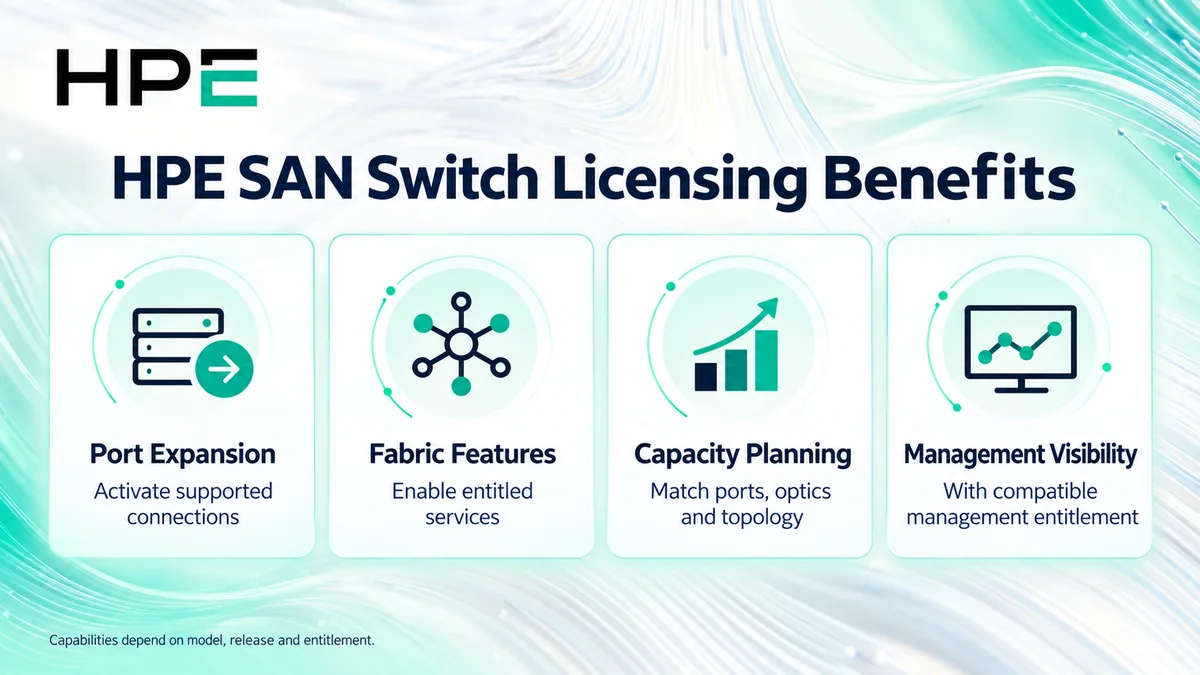
At a Glance
- Vendor: Hewlett Packard Enterprise (HPE)
- Product family: HP License
- Primary environment: Storage networking fabrics
- Common purchasing scopes: Port activation, optional features, and management
- Selection inputs: Family, model, firmware, active ports, and existing rights
- Activation: Platform-specific entitlement and assignment workflow

Features & Benefits
Port Expansion and Capacity Planning
Selected switches support incremental port activation so infrastructure can grow within the installed chassis limits. Expansion increments and included optics vary by model and kit. Check enabled ports, available physical ports, transceiver requirements, and the intended connection count before choosing an upgrade.
Fabric Connectivity and Optional Services
Depending on the platform, entitlements can cover capabilities such as inter-switch trunking, routing, or extension services. Some models already include functions that others license separately. Match the desired traffic path and resilience design to the installed software and purchased bundle rather than treating every feature as a universal add-on.
Management Visibility and Operational Control
Compatible management software helps administrators observe fabric health and coordinate operations. For B-series environments, HPE SANnav has its own licensing scope. Management entitlement does not replace switch feature rights, and the selected management edition must cover the device types being managed.
License Overview
There is no single license key or capacity metric across all HPE SAN switches. Product-specific rights may activate ports, enable a feature on a device, or provide term-based management software. Review existing entitlements before ordering: a bundled capability may already satisfy the requirement.
B-series Fabric OS licensing and C-series NX-OS licensing follow different rules. C-series documentation describes Smart Licensing Using Policy for supported releases. Confirm the family-specific activation and migration requirements.
Product Overview
A Fibre Channel fabric connects host adapters to storage targets through switches, zoning, and inter-switch links. Data forwarding differs from ordinary Ethernet LAN switching; IP management access does not make Fibre Channel traffic IP-based. This category sits within the broader Network License portfolio.
Choose the relevant route: B-Series, C-Series, M-Series, or SAN Director. For older installations, verify the exact platform and support status before selecting a replacement entitlement.
Core Technical Flow
Hosts and storage connect through supported ports and optics. Fabric configuration and zoning control the permitted connectivity, while inter-switch links carry traffic between switches. Licensing makes purchased capabilities available; administrators still need to configure, validate, and monitor the fabric.
Options & Licensing Models
Separate the required outcome from the purchasing mechanism. Confirm which functions the installed bundle already includes.
| Scope | Assessment Focus |
|---|---|
| Port activation | Exact model, upgrade increment, enabled ports, and optics |
| Optional fabric feature | Feature entitlement, supported release, and topology |
| Management software | Edition, managed device types, coverage, and term |
| Legacy expansion or transition | Existing rights, current order eligibility, and support path |
Compatibility & Requirements
Validate switch firmware, supported optics, host adapters, storage interfaces, and fabric interoperability using the relevant HPE documentation and support matrices. Check link distance and speed requirements. Director deployments also need chassis, blade, and interconnect review; a software entitlement does not replace required hardware.
Activation & Deployment
Record the model, serial number, software version, existing licenses, and platform-required licensing identifier. Prepare entitlement documents and portal access, then follow the guide for that family and release. B-series workflows may require redemption against a switch identifier; supported C-series deployments use their applicable traditional or Smart Licensing process.
Back up the configuration before changes. After assignment, verify license status and port availability, apply the planned configuration, and check link health, zoning, and a representative host-to-storage path. Schedule disruptive operations through the normal maintenance process.
Pricing & Quote Process
Provide switch product numbers, quantities, firmware, current entitlements, and active versus required ports. Specify optics, link speeds, distances, and any trunking, routing, extension, or management requirement. Identify each switch that needs coverage rather than quoting only the overall fabric size.
Request an HP SAN switch license quote to confirm the correct upgrade kit or entitlement, included features, management term where applicable, support scope, and activation responsibilities.