




HP License enquiries for enterprise servers, storage, and SAN infrastructure usually relate to Hewlett Packard Enterprise. This HPE License category helps you identify the correct product family, entitlement, and activation route before requesting a quote. HP Inc. and HPE are separate companies; this page covers HPE infrastructure.
Quick Benefits
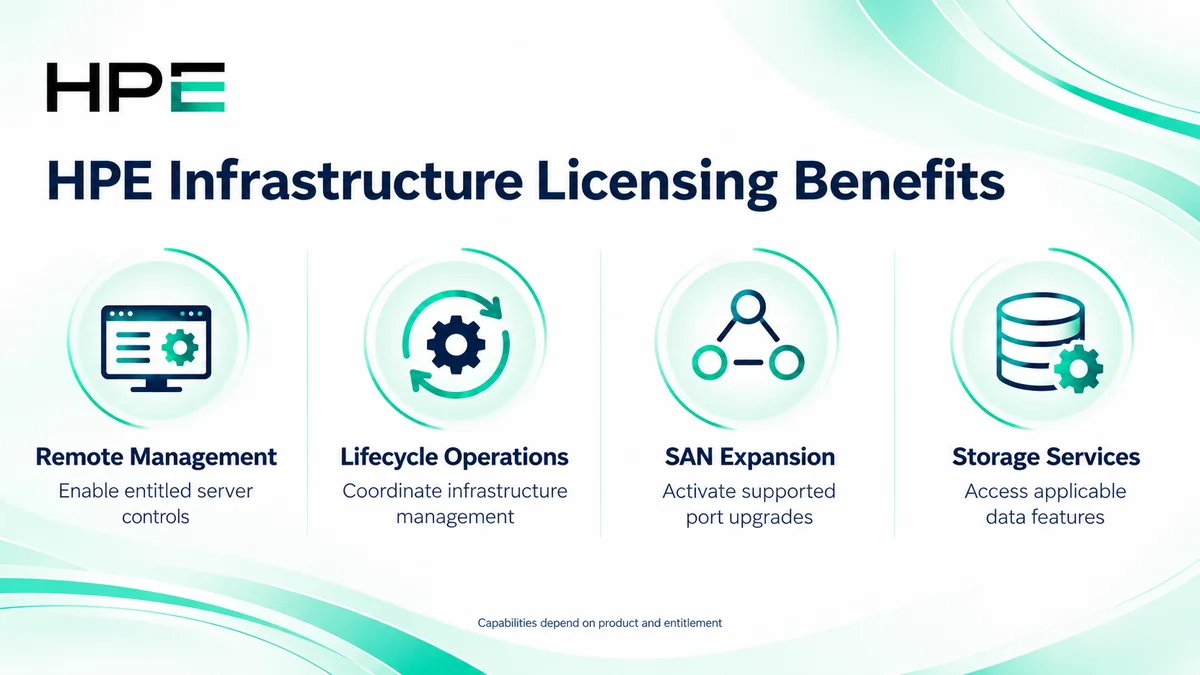
- Enable entitled remote server management capabilities
- Coordinate infrastructure monitoring and lifecycle tasks
- Expand supported SAN ports and services
- Access applicable storage data services
- Match purchasing scope to installed hardware
At a Glance
- Enterprise brand: Hewlett Packard Enterprise (HPE)
- Parent category: Network License
- Main families: SAN switches, storage, and management software
- Licensing basis: Product-specific server, device, port, capacity, or subscription rights
- Key checks: Hardware generation, firmware, existing entitlements, and required features
- Conversion: Product selection and tailored licensing quotation
Features & Benefits
Remote Management and Infrastructure Operations
HPE iLO Advanced enables additional management capabilities on supported servers, while OneView supports centralized infrastructure operations. Review whether an existing bundle already includes iLO rights before adding a separate license, and distinguish monitoring from full lifecycle management.
SAN Expansion and Fabric Services
Supported SAN switch licenses can activate additional ports or product-specific fabric capabilities. For example, selected HPE B-series models use Ports on Demand kits. The correct upgrade depends on the switch family, model, software, and included bundle; one platform’s licensing rules should not be applied to every HPE switch.
Storage Services and Capacity Planning
Storage entitlements can provide data services or support capacity expansion on the applicable platform. Features such as snapshots and replication vary by array and package. Some systems include capabilities that others license separately, so start with the installed configuration instead of purchasing an add-on from its name alone.
License Overview
There is no universal HP license key or single licensing metric covering the whole portfolio. Server management, storage, and SAN products use different entitlements. Server, array, and cloud service entitlements are separate purchasing decisions.
Review license duration separately from support coverage. A support period printed on a software SKU does not, by itself, establish when the underlying usage right expires. Confirm the applicable terms, subscription dates, and update rights for the exact product.
Product Families & Subcategories
Choose the infrastructure family first, then identify the required feature or expansion.
| Family | Typical Requirement | Buyer Inputs |
|---|---|---|
| HPE SAN Switch License | Port expansion and supported fabric services | Model, active ports, firmware, and target configuration |
| HPE Storage License | Array data services and capacity options | Array model, software, existing features, and growth |
| HPE Software License | Server and infrastructure management | Managed systems, platform generation, and deployment |
For focused requirements, review HPE iLO Advanced and HPE OneView. Storage selection should distinguish MSA, 3PAR, StoreOnce, and Alletra rather than treating them as interchangeable.
How Licensing Works
Identify the installed device and desired function. Compare existing rights with the relevant product documentation, select the correct entitlement, and follow its redemption or assignment process. Confirm compatibility and entitlement before making changes.
Licensing & Deployment Options
Select the licensing route that matches the operational model.
| Route | Planning Focus |
|---|---|
| Device or feature entitlement | Supported hardware, target feature, and any device binding |
| Management software licensing | Managed server scope and included versus separately licensed functions |
| Cloud management subscription | Service tier, supported devices, term, and connectivity |
| Expansion or renewal | Existing entitlements, coverage dates, capacity, and upgrade eligibility |
Compatibility & Requirements
Check exact model, generation, controller or switch software, and firmware against the proposed license. Confirm management tool interoperability and any required optics or hardware alongside software rights. Confirm legacy-product upgrade routes and ordering eligibility.
Activation & Deployment
Prepare account access, entitlement documents, and the device serial number or locking identifier where required. Use the applicable HPE licensing portal and product guide. iLO keys can be installed through its licensing interface; OneView entitlements are added to its appliance. Supported storage workflows may require a device-bound key file.
After installation or assignment, verify the license status, enabled ports or features, and any subscription dates. Test a representative management or storage operation and retain the entitlement record for future support.
Pricing & Quote Process
Provide product numbers, models, quantities, software versions, existing licenses, and the required outcome. For SAN expansion, specify active and desired ports; for storage, identify capacity and data-service needs. For management software, list the systems to be covered and preferred deployment.
Request an HP/HPE license quote to confirm the exact entitlement, included features, support scope, subscription term where applicable, and activation responsibilities.