

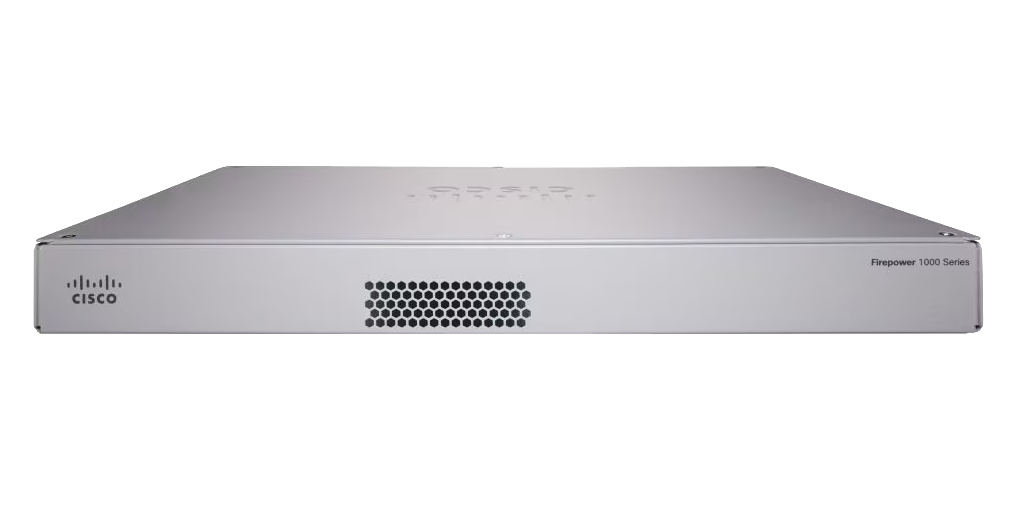
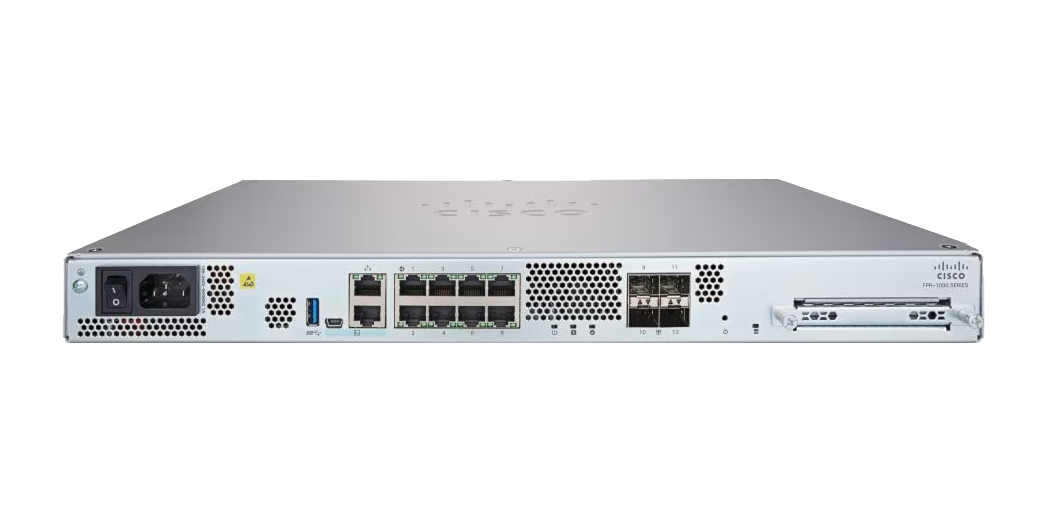
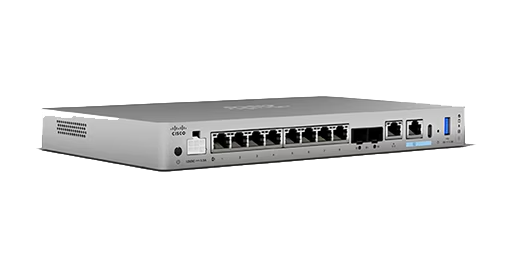
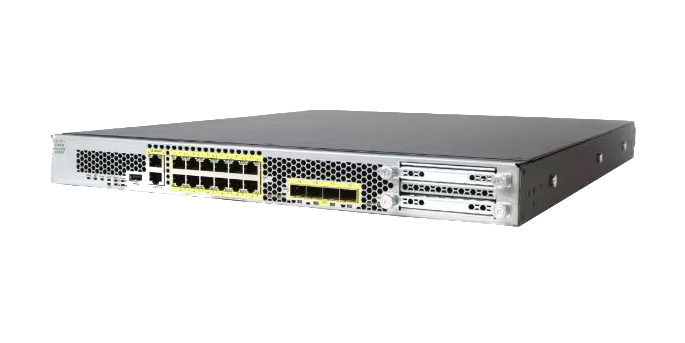
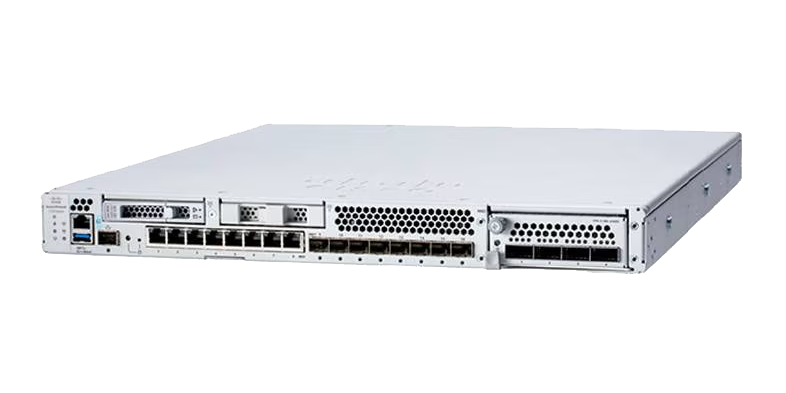
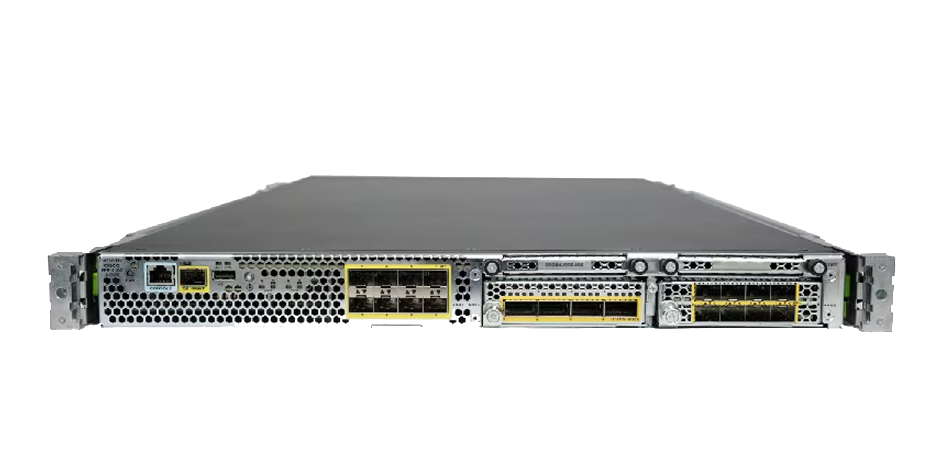
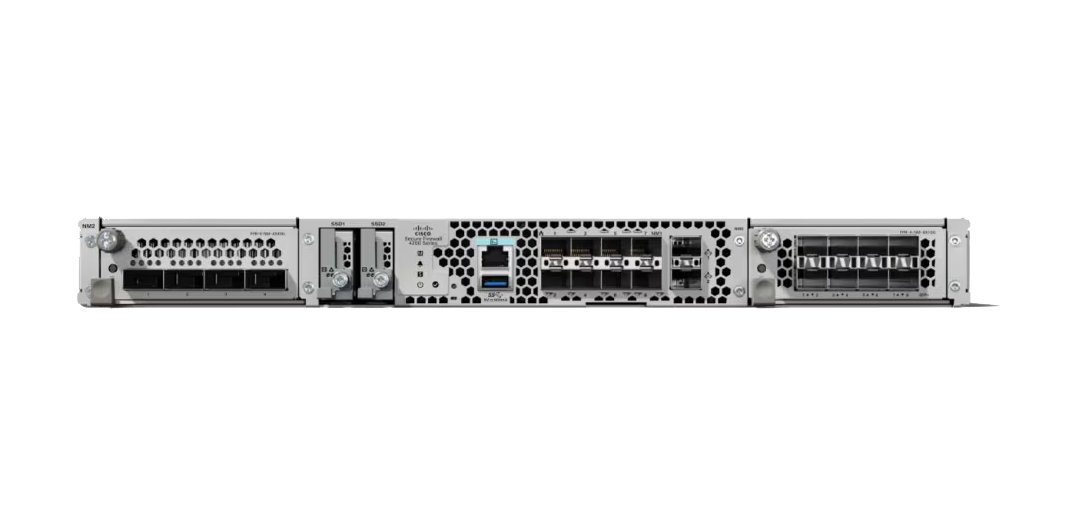
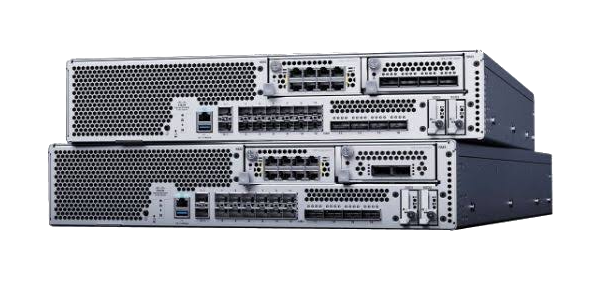
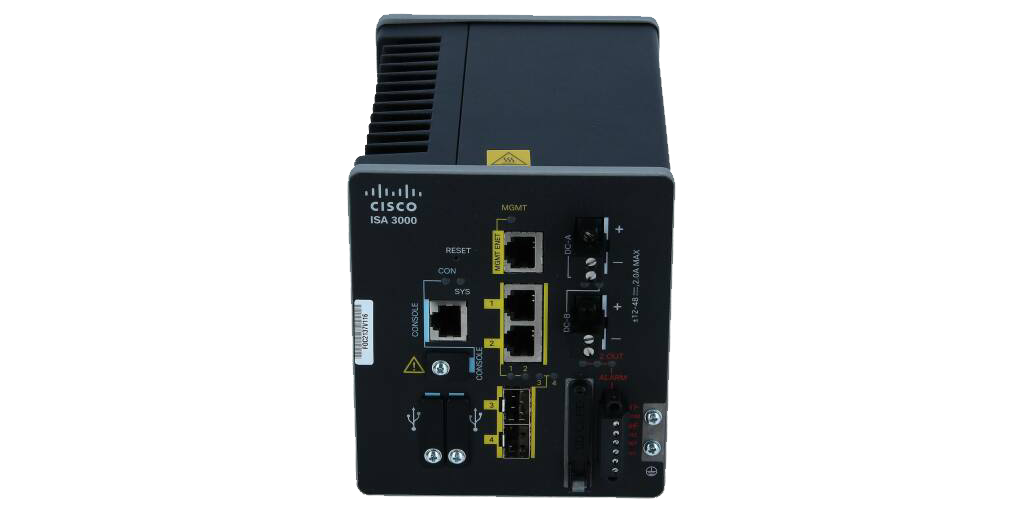
The Cisco Firewall License defines how Cisco firewall platforms enable firewall protection, application control, intrusion prevention, malware defense, URL filtering, VPN, and security management features across physical, virtual, and cloud-connected environments. Licensing is usually planned around the firewall model, software image, deployment type, required security subscriptions, management method, Smart Licensing workflow, and support term.
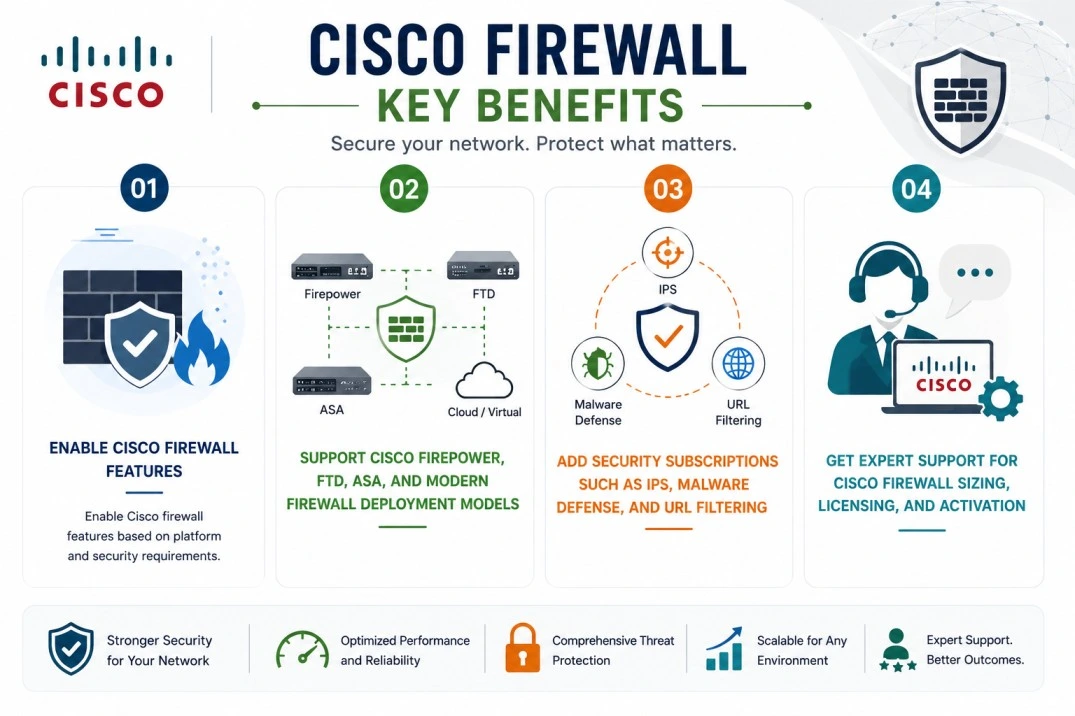
Key Benefits
- Enable Cisco firewall features based on platform and security requirements
- Support Cisco Firepower, FTD, ASA, and modern firewall deployment models
- Add security subscriptions such as IPS, Malware Defense, and URL Filtering
- Get expert support for Cisco firewall sizing, licensing, and activation
Cisco Firewall License At a glance
What it does : Cisco Secure firewall licensing enables security features and subscriptions for Cisco firewall platforms, including firewall access control, threat defense, VPN, application visibility, intrusion prevention, malware inspection, URL filtering, and centralized management.
License type : Product-dependent. Cisco documentation lists Firewall Threat Defense licenses such as Essentials, IPS, Malware Defense, URL Filtering, and Cisco Secure Client. Essentials is required for Firewall Threat Defense, while additional security services are enabled based on the required protection scope.
Typical term : Product and subscription dependent. Security subscriptions are commonly ordered based on the selected firewall model, subscription bundle, and term.
Activation method : Cisco Smart Licensing through Cisco Smart Software Manager, usually managed directly or through Firewall Management Center depending on the deployment. Cisco states that Smart Licensing creates a software license pool across the organization and requires a Smart Account.
Who needs it : Organizations deploying Cisco firewall platforms for perimeter security, branch protection, data center segmentation, VPN, intrusion prevention, malware defense, URL filtering, application control, and centralized firewall management.

License Overview
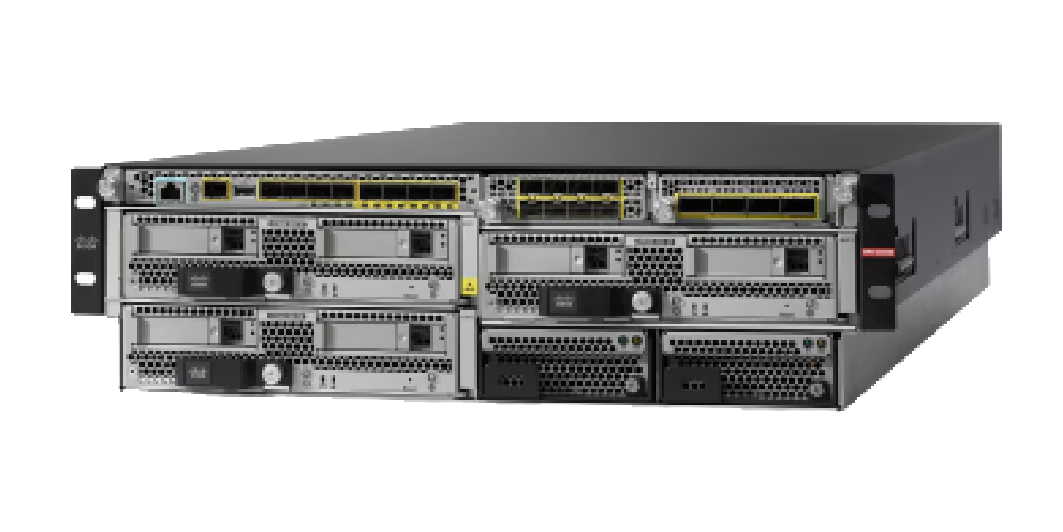
Cisco firewall licensing depends on the firewall platform, software mode, deployment architecture, and the security services required by the organization. The Cisco Firewall License may apply to physical appliances, virtual firewalls, Firewall Threat Defense deployments, ASA-based environments, or Cisco Firepower appliance families. Cisco’s Network Security Ordering Guide covers physical, virtual, and containerized network security solutions, including Firewall Threat Defense, ASA, Cisco Firepower 1000/4100/9300 appliances, and newer firewall appliance families.
In many modern deployments, firewall licensing includes a base or required firewall entitlement plus optional subscriptions for advanced security services. Cisco’s Smart Licensing guidance explains that license requirements depend on the deployment and the enabled features, and that Firepower and firewall devices include a standard base firewall license with advanced subscriptions for different features.
Because firewall environments can include physical appliances, virtual firewalls, HA pairs, branch sites, data centers, cloud workloads, and different security inspection requirements, licensing should be planned around real protection scope rather than only device count. A properly aligned license helps organizations avoid missing security features, keep firewall services active, and maintain better compliance with the intended security architecture.
Product Overview
Firewall environments become more complex when organizations need to protect users, applications, branches, cloud workloads, VPN users, and data center traffic through different appliances or deployment models.
Cisco Secure firewall platforms are designed to provide network protection through access control, routing, NAT, VPN, inspection, and advanced threat defense services. Depending on the deployment, organizations may use ASA software, Firewall Threat Defense, Cisco Firepower appliances, virtual firewalls, or centralized management through FMC.
In practice, the selected license determines which capabilities are available on the firewall and which subscriptions can be enabled for security inspection. This may include IPS, malware defense, URL filtering, remote access VPN, or management-related entitlements.
One of the main operational advantages is flexible security layering. A basic firewall deployment may only require core access control and VPN, while a threat-focused deployment may require deeper inspection, malware protection, and URL reputation services.
For organizations standardizing security across multiple sites, the licensing approach should match the firewall role, traffic risk, management method, and required protection level.
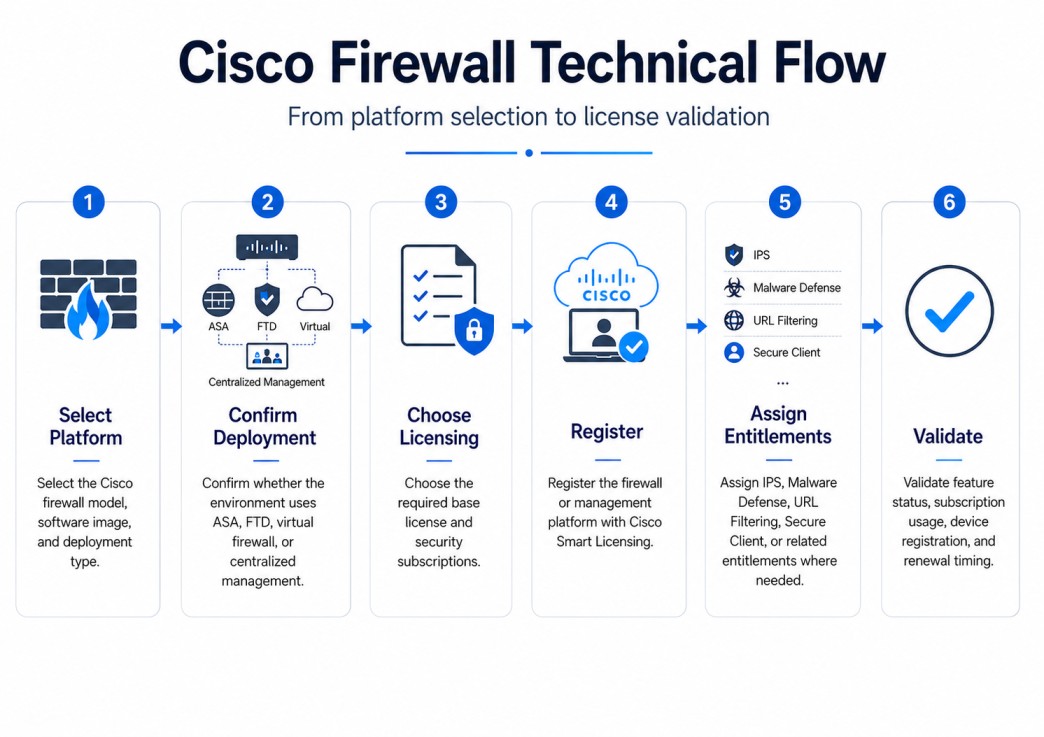
Core technical flow
- Select the Cisco firewall model, software image, and deployment type
- Confirm whether the environment uses ASA, FTD, virtual firewall, or centralized management
- Choose the required base license and security subscriptions
- Register the firewall or management platform with Cisco Smart Licensing
- Assign IPS, Malware Defense, URL Filtering, Secure Client, or related entitlements where needed
- Validate feature status, subscription usage, device registration, and renewal timing
Options & Tiers
| Licensing Model | Best for | Typical Scope | What affects pricing |
|---|---|---|---|
| Essentials / base firewall entitlement | Required firewall operation | Core firewall services and foundational features | Platform and software mode |
| IPS / Threat subscription | Threat prevention deployments | Intrusion prevention and security intelligence | Device model and term |
| Malware Defense | Advanced malware protection | File inspection, malware detection, and Secure Malware Analytics | Subscription bundle |
| URL Filtering | Web access control | URL category and reputation-based filtering | Subscription bundle |
| Cisco Secure Client | Remote access VPN users | VPN access and client-based secure connectivity | User/access requirements |
| FMC / management licensing | Centralized firewall environments | Multi-device policy and event management | Managed device scope |
Features & Benefits
Firewall licensing directly affects which security capabilities can be enabled across the environment. Cisco firewall subscriptions allow organizations to expand beyond basic traffic control and add stronger inspection, threat prevention, malware protection, and URL-based policy enforcement. Cisco documentation explains that Malware Defense can detect and block malware in files, while URL Filtering allows access control based on requested URLs and reputation/category information.
One major benefit is better security coverage. Teams can align licensing with the actual risk profile of each firewall location, whether that means branch firewalling, perimeter defense, data center segmentation, VPN access, or advanced threat inspection. Another benefit is centralized management. Cisco’s Network Security Ordering Guide describes Firewall Management Center as providing unified management over firewalls, application control, intrusion prevention, URL filtering, and advanced malware protection. Over time, this helps organizations maintain stronger policy consistency, reduce feature gaps, and manage firewall subscriptions more effectively across distributed security environments.
System Requirements
Common environments
- Enterprise perimeter firewall deployments
- Branch and data center firewall environments
- Virtual firewall and cloud-connected security architectures
- Cisco Firepower appliance environments
- Centralized firewall management using FMC
Technical requirements
- Supported Cisco Secure firewall model and software image
- Cisco Smart Account and Virtual Account access
- Required security subscriptions based on feature needs
- FMC, FDM, CDO, or another supported management workflow
- Connectivity to Cisco Smart Software Manager or supported restricted licensing method
How activation works
Activating Cisco firewall licensing usually starts with confirming the firewall model, software image, Smart Account, and purchased entitlements. In connected environments, administrators register the firewall system or its management platform with Cisco Smart Software Manager. For FMC-managed deployments, registration is commonly performed through the management platform so licenses can be assigned to managed Firewall Threat Defense devices.
For Firepower 1100 Threat Defense, Cisco documentation states that administrators should register Firewall Management Center with Smart Software Manager and that registration requires generating a registration token in Smart Software Manager. The same documentation lists Essentials, IPS, Malware Defense, URL Filtering, and Cisco Secure Client as Firewall Threat Defense license types.
Once registered, the required licenses are assigned or enabled for the relevant devices. Depending on the deployment, this may include core firewall entitlement, IPS, malware inspection, URL filtering, VPN, or management-related licenses. After activation, administrators should review license authorization, feature status, subscription validity, and device compliance to confirm that the firewall deployment remains aligned with the purchased entitlement.
Pricing factors + quote process
Pricing for Cisco firewall licensing usually depends on firewall model, software type, security subscriptions, deployment architecture, support coverage, and subscription term.
A simple firewall deployment may only require core firewall licensing, while a stronger security deployment may include IPS, Malware Defense, URL Filtering, Secure Client, FMC management, or bundled subscription combinations. Cisco ordering documentation includes subscription part numbers for threat, malware, URL, and combined bundles across different firewall families and terms.
Additional considerations such as HA pairs, virtual firewall performance tiers, branch quantity, throughput requirements, VPN users, management model, and renewal timing can also influence the final quote.
During the quote process, firewall inventory, security feature requirements, management architecture, and activation method are reviewed first so the licensing approach can match the organization’s firewall strategy more accurately.
After you request a quote
- We review your Cisco firewall environment and models
- Identify required security subscriptions and management licenses
- Provide official pricing and delivery details
- Share Smart Licensing and activation guidance
Cisco Firewall pricing depends on your license type, deployment model and support requirements.