


Device42 License helps organizations discover, document, and manage IT infrastructure by centralizing visibility across devices, software, cloud resources, applications, dependencies, IP addresses, and data center environments.
Key Outcomes
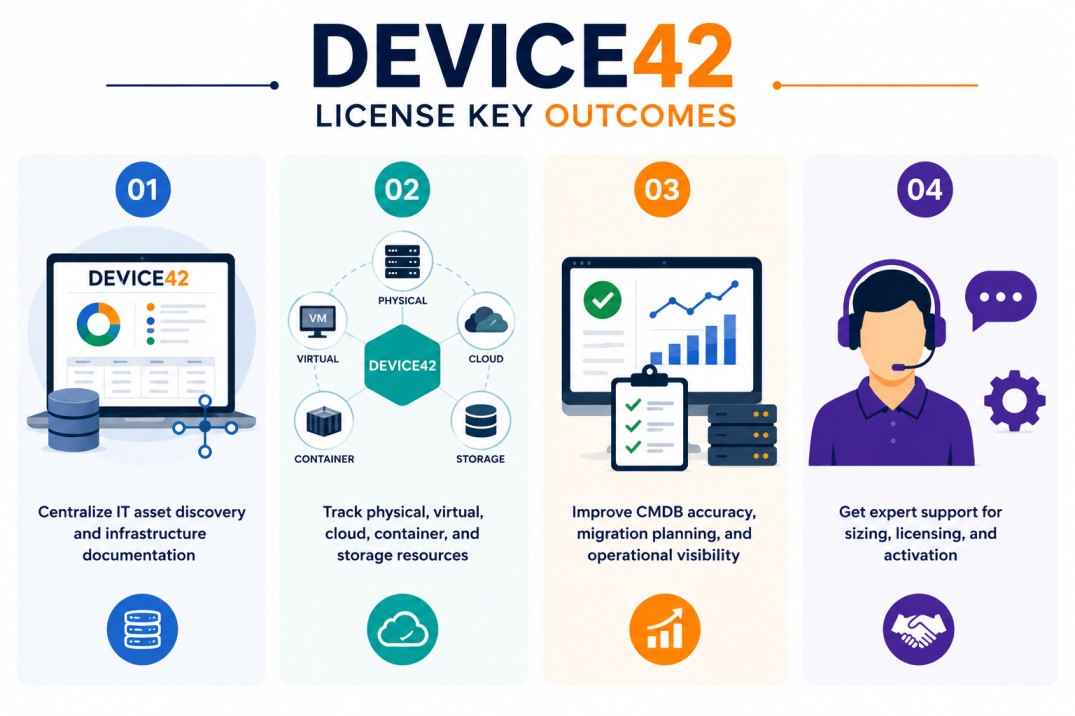
- Centralize IT asset discovery and infrastructure documentation
- Track physical, virtual, cloud, container, and storage resources
- Improve CMDB accuracy, migration planning, and operational visibility
- Get expert support for sizing, licensing, and activation
Device42 License At a glance
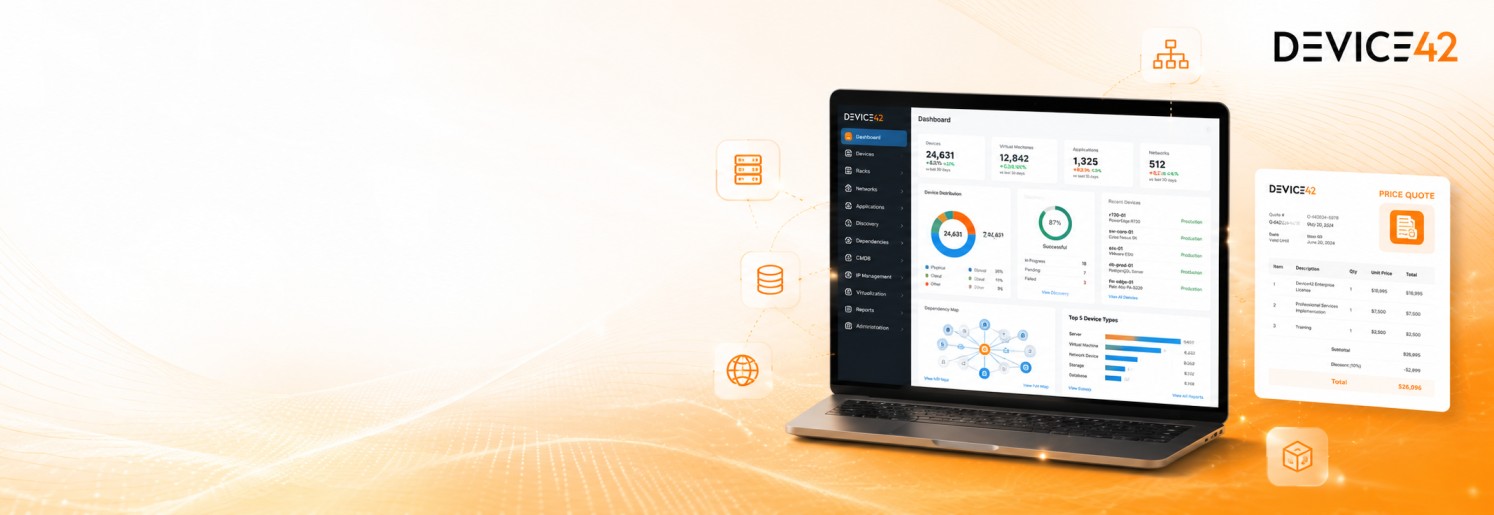
What it does : Device42 License enables organizations to use Device42 for IT asset management, CMDB, dependency mapping, software license tracking, IPAM, data center documentation, and infrastructure discovery.
License type : License-unit based, with Core licensing and optional modules depending on discovery and visibility requirements.
Typical term : Usually subscription-based, depending on selected scope and agreement.
Activation method : License upload and registration through the Device42 appliance; online registration is available, and offline registration can be completed when the instance has no internet access.
Who needs it : Organizations that need accurate IT inventory, infrastructure mapping, asset lifecycle visibility, software license tracking, cloud discovery, or data center documentation.
License Overview
Organizations deploying Device42 usually need licensing that reflects the real scope of infrastructure discovery, CMDB visibility, and asset documentation across the environment. A Device42 License is based on license units, and those units are consumed differently depending on the discovered resource type. Device42 documentation explains that the Core license includes discovery of physical, virtual, and cloud components, IT inventory and asset management, integrations, REST APIs and webhooks, warranty and SSL certificate management, cable management, password management, and IP address management. Device42 also states that license units are consumed at different rates by resources such as devices, containers, PaaS, FaaS, archived records, and storage.
Because Device42 environments may include physical servers, virtual machines, cloud resources, containers, applications, storage, IP addresses, and dependency relationships, licensing should be planned around actual discovery coverage rather than simple device count alone. Storage units are treated separately from device units, and additional modules may be required for broader discovery or data retrieval needs. A properly aligned license helps organizations maintain accurate infrastructure visibility, avoid discovery gaps, and support better planning for IT operations, compliance, migrations, audits, and asset lifecycle management.
How Device42 License Works
Device42 licensing is designed around infrastructure visibility and discovery scope. Instead of treating every environment with one generic metric, Device42 uses license units to represent different types of discovered resources. In practice, organizations deploy the Device42 appliance, configure discovery jobs, and begin collecting information about devices, virtual systems, cloud components, software, applications, network dependencies, IP addresses, and data center assets. As resources are discovered, they may consume license units depending on their type.
Device42 documentation gives examples of unit consumption such as one device consuming one license unit, ten containers consuming one license unit, one PaaS resource consuming one license unit, ten FaaS resources consuming one license unit, and one hundred archived records consuming one license unit. Storage is licensed separately in storage units.
The lower section of the Device42 licensing page shows purchased licenses and consumed license units, which helps administrators understand how much of the licensed capacity is being used. This model is useful for environments that include mixed infrastructure types because licensing can reflect real operational discovery, not only traditional server inventory.
Options & Licensing Models
| Licensing Model | Best for | Typical Scope | What affects pricing |
|---|---|---|---|
| Core license | Standard IT discovery and CMDB usage | Physical, virtual, cloud, IPAM, APIs, integrations | License unit count |
| Additional modules | Expanded discovery and visibility | More discovery/data retrieval capabilities | Selected modules |
| Storage units | Storage-heavy environments | Storage visibility and capacity scope | Storage volume |
| Software license management | Software compliance workflows | Installed software, license models, usage tracking | Software visibility scope |
Features & Benefits
As IT environments grow across data centers, cloud platforms, virtual systems, applications, and distributed infrastructure, maintaining accurate inventory becomes increasingly difficult.
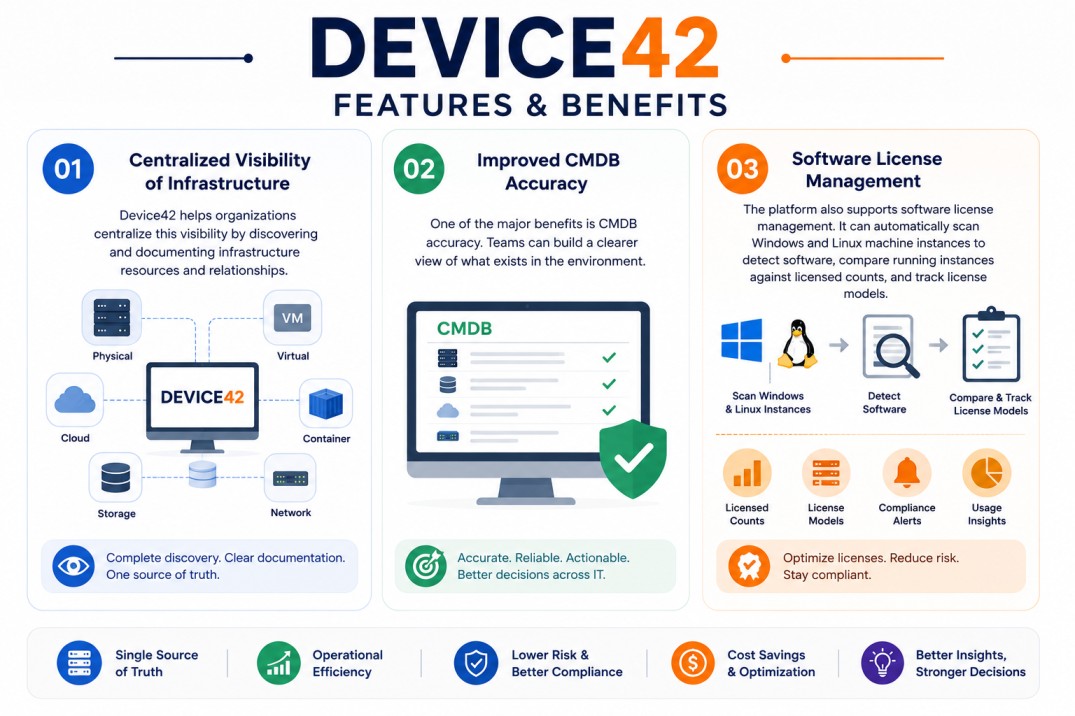
Device42 helps organizations centralize this visibility by discovering and documenting infrastructure resources, relationships, and operational dependencies from one platform.
One of the major benefits is CMDB accuracy. Teams can build a clearer view of what exists in the environment, how systems relate to each other, and which resources support business services.
The platform also supports software license management. Device42 documentation explains that it can automatically scan Windows and Linux machine instances to detect software, compare running instances against licensed counts, track license models, configure alerts, and generate license reports.
Over time, this helps organizations improve asset control, reduce manual documentation, support audit readiness, and make better decisions around migration, modernization, and infrastructure optimization.
Compatibility & Requirements
Common environments
- Enterprise IT asset management environments
- CMDB and infrastructure discovery ecosystems
- Data center and hybrid infrastructure environments
- Cloud, virtual, container, and application mapping environments
Technical requirements
- Device42 appliance deployment
- Discovery access to target systems and infrastructure sources
- Network connectivity and credentials for discovery workflows
- Internet access for online registration or offline registration workflow support
How activation works
Activating Device42 usually starts after the Device42 appliance is deployed and the license is ready to be applied through the administration interface. In connected environments, the license can be uploaded and registered through the appliance workflow. Device42 documentation notes that if the instance has internet access, administrators can click Register Now to complete registration after uploading the license.
For Isolation or offline environments, Device42 also supports a manual registration workflow. If the instance does not have internet access, administrators can copy the registration code and send it to Device42 support to complete the registration process.
After registration, the Licensing page shows the updated expiration date, and administrators can check the license validity under Tools > Settings > Licensing. Device42 documentation also explains that the licensing page displays purchased licenses and consumed license units by discovered component type. After activation, organizations should review discovered resources, consumed license units, storage units, and enabled modules to ensure that the deployment remains aligned with the purchased entitlement.
Pricing factors + quote process
Organizations usually size Device42 according to discovery scope, license unit consumption, enabled modules, storage visibility, and operational infrastructure complexity.
Environments with many physical devices, virtual machines, cloud resources, containers, PaaS/FaaS components, archived records, or storage capacity may require broader licensing and more detailed sizing.
Additional considerations, such as software license management needs, dependency mapping, application discovery, data center documentation, API integrations, support requirements, and subscription term, can also influence pricing.
During the quote process, infrastructure inventory, discovery goals, resource types, module requirements, and activation needs are reviewed first so the licensing approach can match the organization’s IT asset management strategy more accurately.
After you request a quote
- We review your infrastructure discovery scope
- Recommend the most suitable Device42 licensing model
- Provide official pricing and delivery details
- Share activation and deployment guidance
Device42 pricing depends on your infrastructure size, required modules, deployment model, and subscription requirements.