

Tenable License gives you the ability to discover, assess, and manage vulnerabilities across your environment, with flexible asset-based licensing that scales with your infrastructure.
Quick benefits
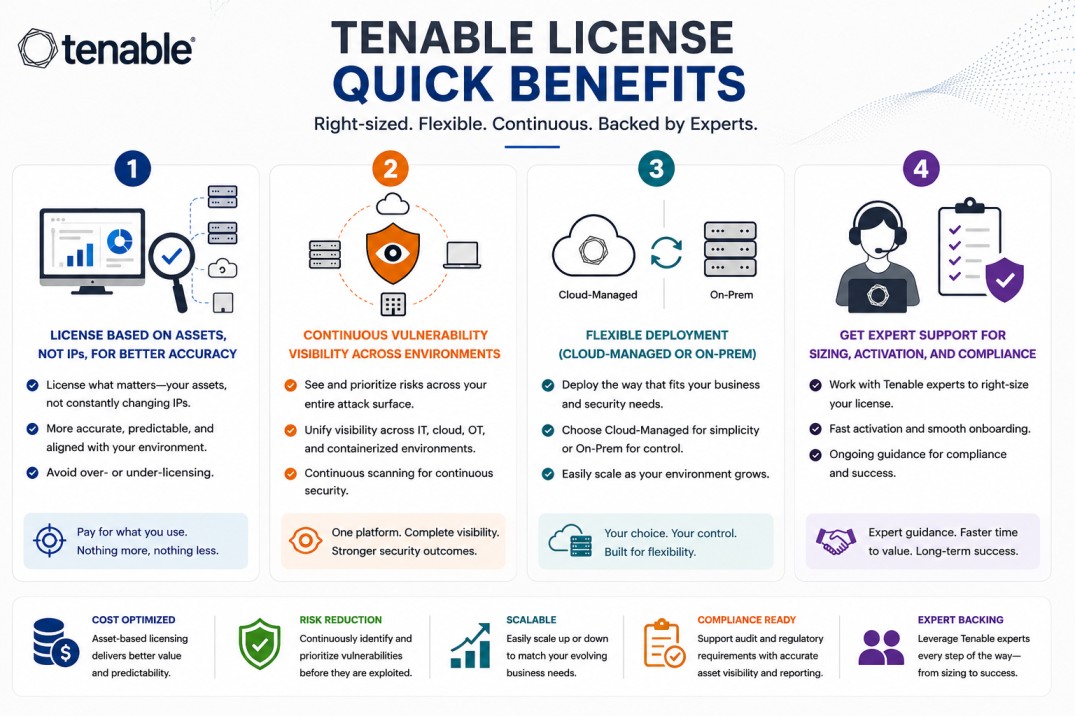
- License based on assets, not IPs, for better accuracy
- Continuous vulnerability visibility across environments
- Flexible deployment (cloud-managed or on-prem)
- Get expert support for sizing, activation, and compliance
Tenable License At a glance
What it does : Tenable License enables vulnerability assessment and exposure management across your IT environment using an asset-based licensing model.
License type : Subscription-based (asset-based)
Typical term : 1 year · 3 years · 5 years
Activation method : Online activation via Tenable platform (cloud or on-prem)
Who needs it : Organizations that want to manage vulnerabilities, track assets, and reduce exposure risk across networks, cloud, and endpoints
License Overview
The Tenable License determines how vulnerability management capabilities are applied across your environment. Instead of licensing by IP address, Tenable uses an asset-based model, which focuses on the actual systems being monitored. In most setups, an asset represents a unique device, workload, or system, whether it’s a server, endpoint, virtual machine, or cloud instance. This approach helps avoid duplication and provides a clearer picture of what’s being assessed.
Tenable licenses are typically subscription-based, allowing organizations to maintain continuous visibility into vulnerabilities as their environments change. As assets are added or removed, the license can be adjusted to reflect the current infrastructure. Tenable also supports both cloud-managed platforms and on-prem deployments, giving flexibility depending on security and compliance requirements. Choosing the right license size is important, too few assets may leave gaps in coverage, while too many may increase cost without real benefit.
How Tenable License Works
Tenable licensing is built around the concept of tracking and assessing assets continuously rather than performing one-time scans.
Once the license is activated, you begin by defining and discovering assets across your environment. These assets are then monitored using scanners or agents, depending on how your infrastructure is set up.
Each discovered system counts as an asset within your licensed capacity. The platform continuously evaluates these assets for vulnerabilities, configuration issues, and exposure risks.
As your environment evolves, new systems added, old ones removed, the asset count changes. The license should be aligned with this dynamic environment to ensure consistent coverage without exceeding limits.
In cloud-based deployments, asset tracking and assessment are managed centrally. In on-prem setups, scanners and management servers handle the process locally, while still following the same licensing logic.
Options & Tiers
| Plan / Model | Best for | Key inclusions | What affects price |
|---|---|---|---|
| Asset-based subscription | Most organizations | Continuous vulnerability assessment | Asset count, term |
| Cloud-managed platform | Cloud-first teams | Centralized management + automation | Usage scale |
| On-prem deployment | Regulated environments | Local control + compliance alignment | Architecture size |
| Hybrid deployment | Mixed environments | Flexible asset coverage | Scope, integration |
Features & Benefits
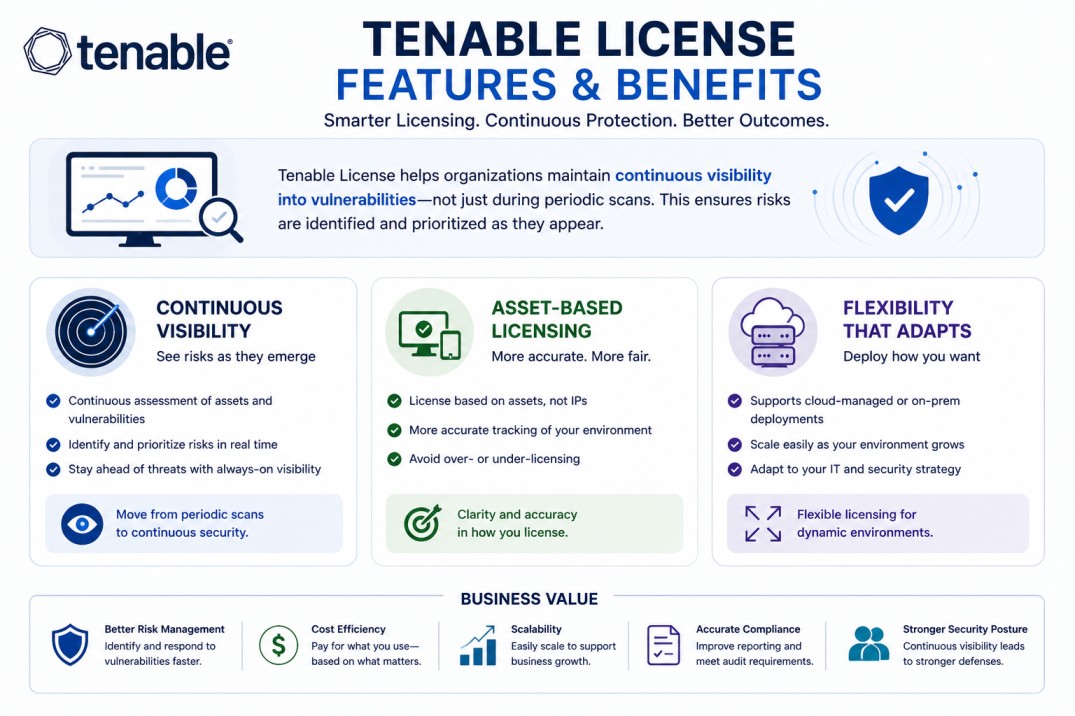
Tenable License helps organizations maintain continuous visibility into vulnerabilities rather than relying on periodic scans. This makes it easier to identify risks as they appear. One of the key advantages is the asset-based model. It provides a clearer and more accurate way to track systems compared to IP-based licensing. It also supports flexibility. Whether your environment is cloud-based, on-prem, or hybrid, the same licensing approach can be applied. Over time, this allows organizations to build a consistent vulnerability management process that scales with their infrastructure.
System Requirements
Common environments
- Enterprise IT infrastructures
- Cloud and hybrid environments
- Organizations with dynamic asset growth
Technical requirements
- Vulnerability scanners or agents
- Network access to target systems
- Asset discovery and tracking capability
How activation works
Activating a Tenable License is typically done through the Tenable platform, whether you are using a cloud-managed solution or an on-prem deployment. In cloud-based environments, the process begins by creating or accessing your Tenable account. Once the license is applied, your tenant is activated, and you can start adding users and configuring your environment.
The next step involves deploying scanners or agents, depending on your architecture. These components connect to your Tenable instance and begin discovering assets within your network or cloud environment. As assets are discovered, they are counted against your licensed capacity. From that point, the platform starts performing vulnerability assessments and providing continuous visibility into risks.
In on-prem deployments, activation follows a similar process but may involve local management servers and scanners. The license is applied to your instance, and scanners report data back to the central system. After activation, it’s important to monitor asset usage to ensure it aligns with your licensed capacity. This helps maintain coverage without exceeding limits or leaving gaps in assessment.
License Pricing and Quote Steps
Tenable License pricing is mainly based on the number of assets being monitored. As the number of systems increases, the license scope grows accordingly. Other factors, such as deployment type, integration requirements, and scanning approach, can also influence pricing. Subscription length plays a role as well, with longer terms often providing better value. The most accurate pricing comes from aligning the license with your actual asset inventory and vulnerability management needs.
After you request a quote
- We review your asset inventory and environment
- Recommend the most suitable licensing model
- Provide official pricing and delivery details
- Share activation and deployment guidance
Tenable Pricing depends on your license edition, quantity, term, and deployment needs.