

ManageEngine ServiceDesk helps organizations centralize IT service management workflows, ticket operations, asset visibility, and support processes across enterprise environments.
Quick benefits
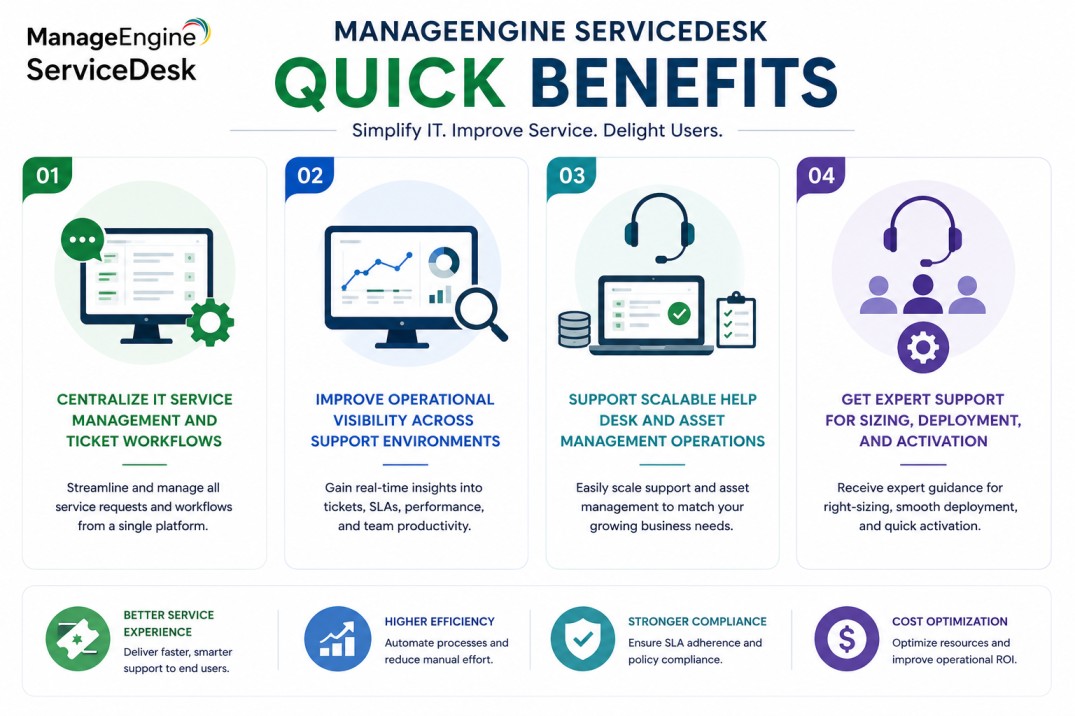
- Centralize IT service management and ticket workflows
- Improve operational visibility across support environments
- Support scalable help desk and asset management operations
- Get expert support for sizing, deployment, and activation
ManageEngine ServiceDesk At a glance
What it does : ManageEngine ServiceDesk provides IT service management (ITSM) capabilities including ticketing, asset management, service workflows, and operational support visibility.
License type : Subscription or perpetual licensing (technician-based)
Typical term : 1 year · 3 years · perpetual options
Activation method : Online activation or offline XML-based activation
Who needs it : Organizations requiring centralized IT service management, help desk operations, and enterprise support workflow visibility

License Overview
Organizations implementing IT service management platforms often require licensing that aligns with technician operations, service workflow complexity, and organizational support requirements rather than basic user access alone. The ManageEngine ServiceDesk license is generally aligned with the number of technicians, enabled ITSM modules, and operational support workflows included within the environment.
Because many enterprise support environments operate across multiple departments and operational teams, deployment planning typically focuses on maintaining scalable service workflows and centralized operational visibility across the organization. A properly aligned license helps organizations improve service management operations while supporting long-term operational growth and workflow scalability.
Product Overview
As enterprise environments expand across multiple operational teams and business units, managing support workflows manually or through disconnected systems can become increasingly difficult.
ManageEngine ServiceDesk is designed to help organizations centralize service management operations through structured ITSM workflows and unified operational visibility.
In practice, the platform helps IT teams manage incidents, service requests, assets, approvals, operational workflows, and support processes from a centralized administration environment.
One of the major operational advantages is broader service visibility. Support teams can manage tickets, monitor service activity, and coordinate operational workflows more consistently across enterprise environments.
For organizations operating distributed support environments, this centralized approach supports more scalable service operations and improved workflow consistency across operational teams.
Core technical flow
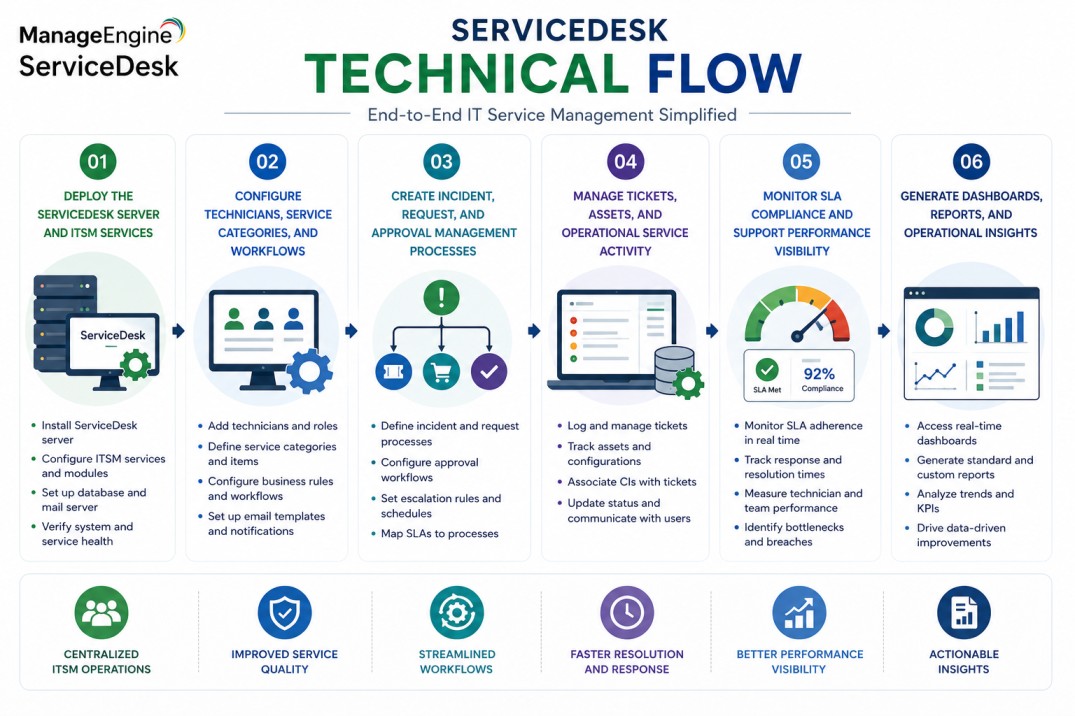
- Deploy the ServiceDesk server and ITSM services
- Configure technicians, service categories, and workflows
- Create incident, request, and approval management processes
- Manage tickets, assets, and operational service activity
- Monitor SLA compliance and support performance visibility
- Generate dashboards, reports, and operational insights
Options & Tiers
| Licensing Model | Best for | Typical Scope | What affects pricing |
|---|---|---|---|
| Standard edition | Core help desk operations | Basic ITSM workflows | Technician count |
| Professional edition | IT operations environments | Asset and service management | Operational modules |
| Enterprise edition | Large organizations | Advanced ITSM and workflow automation | Infrastructure scale |
| Subscription or perpetual | Flexible deployment models | Annual or permanent usage | Term and maintenance |
Features & Benefits
As organizations continue to expand operationally, maintaining consistent service management workflows across departments and support teams becomes increasingly important.
ManageEngine ServiceDesk helps organizations centralize ticket operations, asset visibility, and support processes through a more unified ITSM workflow environment.
One of the major operational advantages is scalable workflow management. IT teams can standardize ticket handling, approvals, incident response, and operational support processes across distributed service environments.
The platform also supports broader operational visibility by helping organizations monitor service performance, asset management workflows, and technician operations more consistently.
Over time, this centralized ITSM approach helps improve operational coordination while supporting more scalable enterprise support operations.
System Requirements
Common environments
- Enterprise IT service management environments
- Help desk and support operations
- Distributed enterprise infrastructures
- Centralized operational workflow ecosystems
Technical requirements
- Supported Windows or Linux deployment infrastructure
- Database support for ITSM operations
- Internet connectivity or offline XML activation support
How activation works
Activating a ManageEngine ServiceDesk license typically starts with deploying the ServiceDesk platform and applying the appropriate license based on the selected edition and technician capacity.In online environments, activation can generally be completed directly through the administration interface using the provided licensing information.
For restricted or offline environments, ServiceDesk also supports XML-based activation workflows. In these scenarios, administrators generate or import an XML file with the customer’s chosen name and deployment details to activate the platform manually without requiring direct internet connectivity.
Depending on the deployment architecture, activation may also validate technician count, enabled ITSM modules, asset management components, and workflow automation features. After activation, organizations should review technician capacity and operational workflow scope regularly to ensure that infrastructure growth remains aligned with the licensed service management environment.
Pricing factors + quote process
Organizations usually size ManageEngine ServiceDesk according to technician requirements, operational workflow complexity, and enterprise service management scope.Environments with larger support teams, advanced ITSM workflows, or broader operational visibility requirements often require expanded licensing capacity and enterprise-level deployment planning.
Additional considerations, such as edition type, asset management requirements, workflow automation features, maintenance scope, and subscription term, can also influence licensing requirements. During the quote process, service management goals, operational workflow requirements, and technician scope are typically reviewed first so the licensing and deployment approach can align more accurately with the organization’s ITSM strategy.
After you request a quote
- We review your service management environment and workflow requirements
- Recommend the most suitable ServiceDesk edition
- Provide official pricing and delivery details
- Share activation and deployment guidance
ManageEngine pricing depends on your license edition, users, devices, deployment model, term, and support needs.