

HPE iLO provides embedded server management that helps administrators monitor hardware and perform supported remote operations. An HPE iLO license adds capabilities beyond the included Standard feature set. HPE iLO Advanced licensing should be selected against the server model, iLO generation, required functions, and existing entitlements.
Some management bundles can provide iLO Advanced rights, so confirm coverage before ordering another license.
Quick Benefits
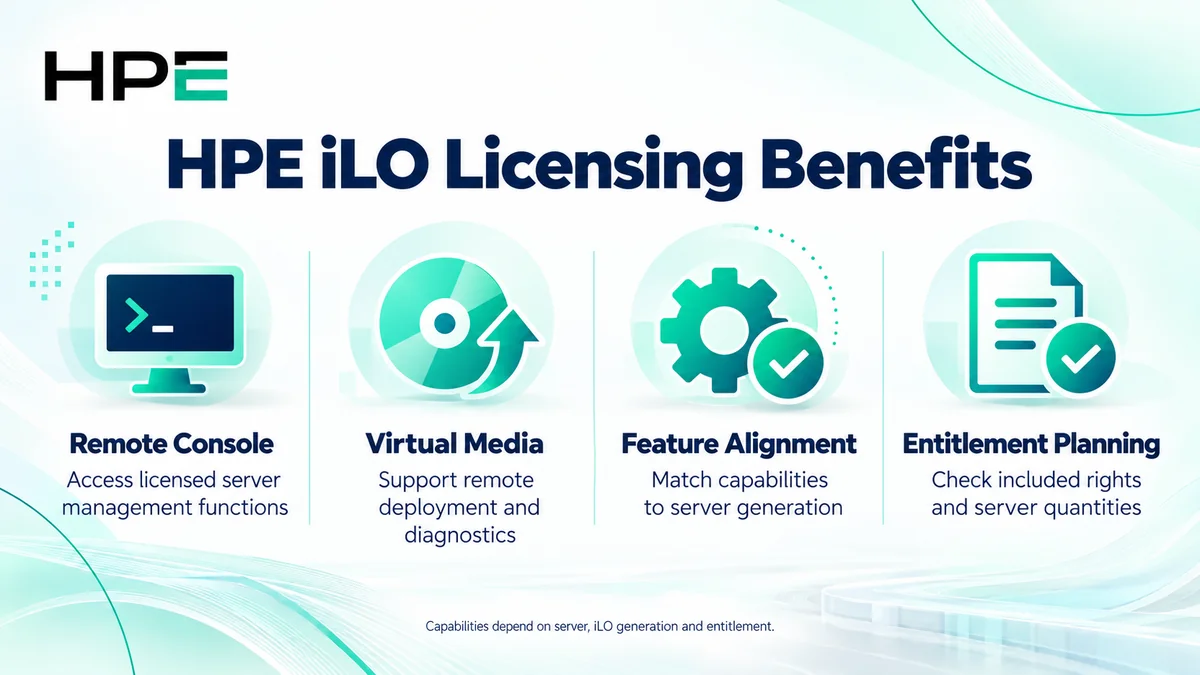
- Access licensed remote console capabilities
- Use supported virtual media for remote deployment
- Match management features to the server generation
- Avoid duplicate purchases where Advanced is already included
At a Glance
- Vendor: Hewlett Packard Enterprise
- Product family: HP Software
- Deployment: Embedded management on supported HPE servers
- Selection: Included Standard features or eligible Advanced entitlement
- License quantity: Assess each server using licensed features
- Buyer inputs: Server model, iLO generation, required functions, and support

Features & Benefits
Remote Console and Server Access
iLO Advanced provides supported remote console functionality with virtual keyboard and mouse, helping administrators work without being physically beside the server. Confirm the generation-specific feature matrix and any server exceptions. Included Standard management remains useful, but it should not be assumed to provide the same console access as Advanced.
Virtual Media and Deployment Operations
Supported virtual media functions allow administrators to present installation or diagnostic media remotely. This can assist operating-system deployment and recovery workflows. Verify the required entitlement, supported client method, network access, and permissions before purchase.
Feature Alignment and Management Coverage
Advanced capabilities differ with iLO generation, firmware, and server hardware. Check existing factory installation and management bundles first. For example, current iLO 7 guidance identifies Advanced inclusion with Compute Ops Management Advanced. Match that arrangement to the actual order rather than treating every management subscription as an iLO entitlement.
License Overview
HPE documentation requires an iLO license for each server using the licensed product. Single-server and volume purchasing arrangements exist, with delivery and registration requirements determined by the offering. A shared key or consolidated entitlement certificate does not remove the obligation to license the deployed server quantity.
One- and three-year descriptions can refer to support for licensed features, rather than a subscription that disables those features at expiry. HPE’s iLO 6 licensing guidance states licensed features remain enabled after the support contract expires. Confirm the selected SKU and agreement. Explore related options within HP License.
Product Overview
iLO is embedded management technology associated with the server, distinct from the host operating system. Administrators connect through supported management interfaces to inspect health, access logs, and perform permitted operations.
Core Technical Flow
An administrator reaches the iLO management interface, authenticates, and requests an operation. iLO checks the account privileges and available capability. Remote console or virtual media then supports the intended workflow. Administrators verify the result through server status and application checks rather than assuming successful license installation completes deployment.
Options & Licensing Models
Compare required features and server quantity with existing rights.
| Option | What to verify |
|---|---|
| Included Standard features | Server and generation-specific capabilities |
| Advanced single-server entitlement | Compatibility, required features, delivery, and support |
| Volume or flexible quantity | Licensed server count and applicable ordering agreement |
| Existing bundled Advanced rights | Bundle scope, assignment, and support arrangements |
Compatibility & Requirements
Record the exact server, iLO generation, and firmware. Verify the license against HPE’s current matrix instead of assuming one SKU covers all servers. Check browser, console, virtual media, network, and account requirements. Plan management access controls and approved firmware updates separately from the licensing transaction.
Activation & Deployment
Inspect the installed license and retain entitlement documents. Follow HPE’s registration and redemption instructions for the selected delivery method. Using an account with the required configuration privilege, open the licensing page documented for that iLO generation, enter the issued key, and install it. Factory-installed licenses may already be ready for use.
Verify the displayed license status and test the purchased function, such as remote console or mounting approved diagnostic media. Check permissions and compatibility if access fails; do not assume an expiry, internet connection, or reboot is always the cause or remedy.
Pricing & Quote Process
Provide server models, iLO generations, quantities, existing licenses, required features, and support preference. Identify factory-installed or bundled rights and the preferred delivery arrangement.
Request an HPE iLO quote to confirm compatible SKUs, server coverage, included support, entitlement delivery, and activation responsibilities.