

Riverbed License options cover application acceleration, network observability, and digital experience management. Riverbed licensing depends on the selected product, deployment, and capacity; a SteelHead license is different from an observability subscription. Start with the problem you need to solve, then match the entitlement to your sites, users, and infrastructure.
Quick Benefits
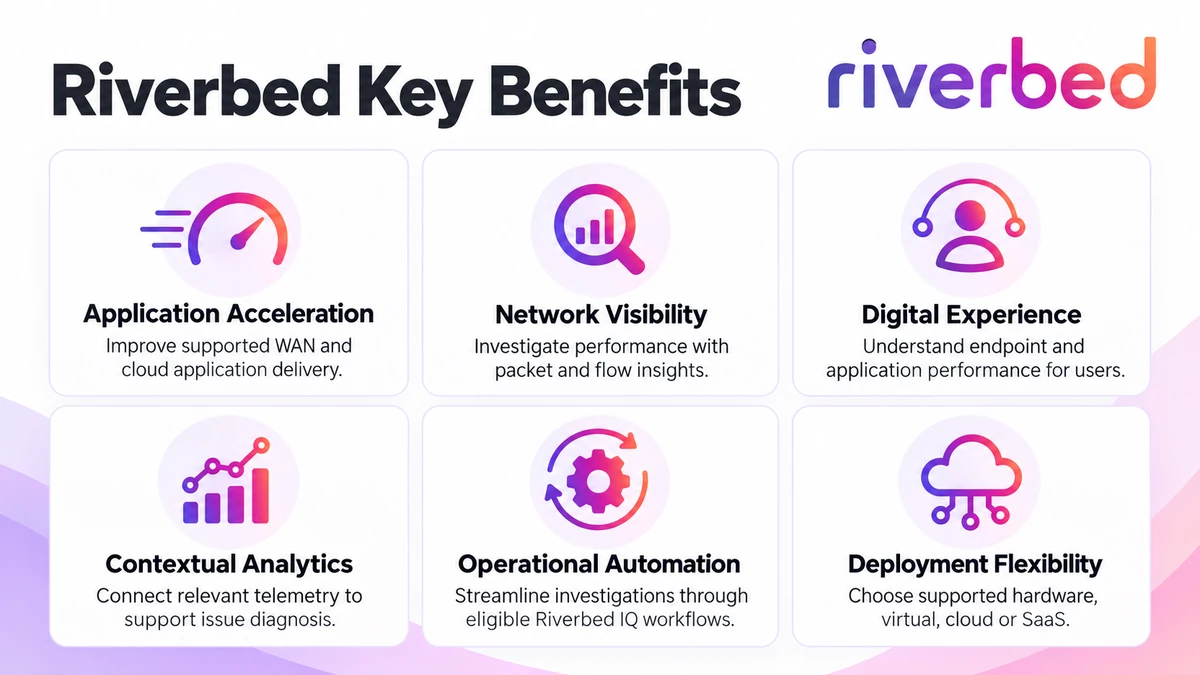
- Application acceleration across supported WAN and cloud environments
- Packet, flow, and infrastructure visibility for troubleshooting
- Digital experience insights from supported endpoints and applications
- Analytics and automation through eligible Riverbed IQ integrations
- Flexible deployment and capacity planning by product family
At a Glance
- Vendor: Riverbed
- Product family: Network License
- Main areas: Acceleration, observability, digital experience, and AIOps
- Deployment: Hardware, virtual, cloud, or SaaS depending on product
- License basis: Product-specific entitlement and capacity
- Quote inputs: Product, deployment, scope, term, and existing assets
Features & Benefits
Application Acceleration and Efficient Data Movement
SteelHead uses data, transport, and application streamlining to improve delivery across supported connections. Cloud and mobile offerings extend acceleration to different deployment needs. Evaluate latency, traffic patterns, and application compatibility before sizing the solution. Buying more bandwidth alone may not resolve inefficient application exchanges, while acceleration results depend on the actual environment.
Network Visibility and Digital Experience Insights
AppResponse analyzes packets, NetProfiler examines flows, and NetIM monitors infrastructure health. Aternity adds insight into employee digital experience. These perspectives help teams distinguish device, network, and application issues. Select the telemetry that answers your operational questions rather than assuming one monitoring product collects everything.
Contextual Analytics and Operational Automation
Riverbed IQ connects relevant telemetry with analytics and automation to support investigations and remediation workflows. Integrated context helps teams prioritize issues and share evidence. Plan the required data sources, connectors, and workflow permissions; purchasing a source product does not automatically include every platform capability or integration.
License Overview
There is no single Riverbed license that unlocks the entire portfolio. Entitlements identify the product and permitted scope, with capacity and optional capabilities defined by the ordering configuration. Separate software rights, subscription services, hardware, and maintenance when comparing proposals.
For eligible SteelHead deployments, Riverbed Flex provides subscription-based license portability across supported hardware, virtual, and cloud environments. Existing perpetual installations require their own entitlement and migration review. Do not assume portability or renewal terms are identical across every Riverbed family.
How Licensing Works
Identify the product and deployment first, then map the required scale to its ordering metric. Acceleration planning considers capacity and connections; observability planning considers collection scope and processing requirements. Confirm the actual licensed units in the proposed SKU. An inventory total is a sizing input, not proof that every device consumes an identical license unit.
Licensing & Deployment Options
Compare deployment choices alongside entitlement and operational responsibility.
| Route | Planning Focus |
|---|---|
| Eligible Flex acceleration subscription | Portable capacity across supported deployment types |
| Existing appliance or virtual entitlement | Model, features, capacity, and support eligibility |
| Cloud acceleration | Supported cloud platform and provisioned resources |
| SaaS or hosted service | Service scope, subscription term, and access requirements |
Compatibility & Requirements
Validate software release, appliance or hypervisor support, application protocols, and cloud prerequisites. Monitoring requires suitable packet, flow, infrastructure, or endpoint data sources. Check capture access, collector resources, and retention storage. Review older product names and lifecycle status before renewing or extending an inherited installation.
Activation & Deployment
Prepare Riverbed account access and the supplied token, serial number, or activation code as applicable. Use the licensing portal to redeem supported entitlements and obtain keys or files for the product console. Aternity SaaS licenses are managed through the hosted environment; on-premises licenses use the relevant console.
Check enabled features and capacity, then validate representative optimized traffic or telemetry collection. Confirm dashboards, alerts, and access before expanding deployment.
Pricing & Quote Process
Send the product name, deployment preference, site and user scope, capacity requirements, and expected growth. For existing environments, include model numbers, entitlement details, and renewal dates. Identify additional modules, support, hardware, and cloud resources separately.
Request a Riverbed license quote with your traffic or monitoring requirements so the proposed coverage matches the intended deployment.