

HP 3PAR, now documented as HPE 3PAR StoreServ, provides enterprise storage for supported business applications and virtualized environments. An HP 3PAR license request should identify the installed array, software release, existing bundle, and required data service. HPE 3PAR licensing varies across generations and purchasing arrangements.
For existing systems, start with the installed entitlement inventory. Some platforms include broad single-array capabilities, while multi-array services require additional rights. Confirm compatibility and current supply before purchasing a historical software part number.
Quick Benefits
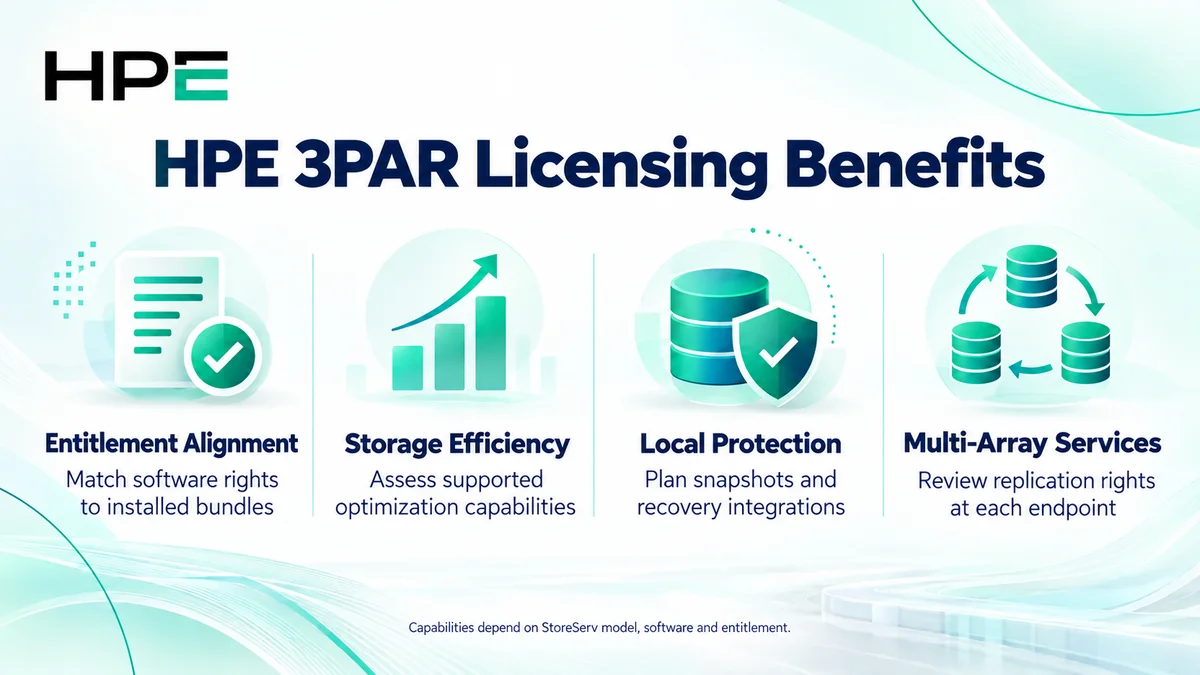
- Match software rights to the installed StoreServ array
- Assess included capacity-efficiency and optimization features
- Plan snapshots and application protection requirements
- Separate local services from multi-array replication rights
At a Glance
- Vendor: Hewlett Packard Enterprise
- Product family: HP Storage
- Platform: 3PAR StoreServ enterprise storage
- Licensing inputs: Model, OS, installed bundle, and requested function
- Key distinction: Single-system versus multi-system software scope
- Buyer focus: Entitlement gaps, compatibility, support, and lifecycle

Features & Benefits
Storage Efficiency and Workload Optimization
Supported 3PAR configurations provide thin provisioning and storage optimization capabilities. Their availability depends on hardware, software, and entitlement. Review the installed bundle before purchasing a separate feature. Capacity planning should include actual workload demand, available media, and reserves; a software license does not add physical storage.
Local Protection and Application Recovery
Snapshot and recovery integrations help create recoverable data copies for supported workloads. Recovery Manager Central licensing is included in applicable All-Inclusive Single-System offerings, but integrations have their own compatibility requirements. Identify the application, protection workflow, and recovery objective before selecting additional software or implementation services.
Multi-Array Replication and Continuity
Remote Copy and related multi-system services address protection across arrays. Applicable All-Inclusive Multi-System packages extend the single-system scope with replication and continuity capabilities. Confirm entitlements and configuration at each endpoint. Recovery behavior depends on topology, supported software, connectivity, and testing rather than the license alone.
License Overview
HPE documentation describes All-Inclusive Single-System software for StoreServ 8000, 9000, and 20000 platforms, with an optional Multi-System package for additional services. Do not interpret “all-inclusive” as every possible integration or deployment service. Earlier generations and historical purchasing agreements require their own entitlement review.
Separate software use rights from maintenance, support, and hardware expansion. Confirm the metric and coverage stated by the applicable SKU instead of assuming a universal per-terabyte subscription. Related enterprise offerings sit within the broader HP License portfolio.
Product Overview
3PAR StoreServ arrays present storage resources to compatible hosts through supported interfaces. Controllers manage virtual volumes and the underlying storage resources. Host definitions, volume exports, and multipathing govern application access. Licensed data services extend the supported workflow but do not automatically configure hosts, storage networks, or recovery operations.
Core Technical Flow
Applications send I/O through configured host paths to exported volumes. Array controllers process requests against the storage resources. Local snapshots or replication operate when configured and entitled. Administrators monitor capacity and performance, then validate recovery using a controlled test appropriate to the application.
Options & Licensing Models
Identify the missing function before choosing a package. Review installed rights and the intended deployment together.
| Scope | Assessment focus |
|---|---|
| Single-system software | Array model, included bundle, and local data services |
| Multi-system software | Remote Copy requirements, endpoints, and existing rights |
| Application protection integration | Supported software versions, workflow, and dependencies |
| Legacy expansion or transition | Historical agreement, compatibility, lifecycle, and supply |
Compatibility & Requirements
Check 3PAR OS, management tools, host operating systems, adapters, multipathing, and storage interfaces against HPE guidance. Replication requires supported endpoint combinations and connectivity. Validate drive and enclosure compatibility before expanding hardware. Lifecycle dates differ by platform, component, and software release; confirm the installed system’s position before committing to an upgrade.
Activation & Deployment
Collect array identifiers, OS version, entitlement records, and the current license inventory. HPE recommends capturing existing license data before changes. Obtain the correct issued key and follow the release-specific installation procedure; documented CLI workflows use setlicense and showlicense for installation and verification.
Confirm the intended features appear, then configure and test the service. Validate application access, a representative snapshot recovery, or replication status as appropriate. Retain license records and configuration backups, and schedule disruptive operations through the maintenance process.
Pricing & Quote Process
Provide array model and serial, OS release, installed licenses, required features, and expansion plans. For replication, include both arrays, current rights, connectivity, and recovery objectives. Identify application integrations and support requirements separately.
Request an HP 3PAR licensing quote to confirm eligible software, entitlement coverage, current availability, delivery, and activation responsibilities.