

Cisco Firewall Virtual is a software-based next-generation firewall for protecting workloads, applications, and network traffic across public cloud, private cloud, and hybrid environments. Its official product name is Cisco Secure Firewall Threat Defense Virtual, although many network and security teams still recognize it by its former name, Cisco FTDv.
Unlike a physical appliance, the virtual firewall can be placed directly inside cloud and virtualized networks. This allows security policies to follow workloads as they move between data centers, cloud platforms, and distributed application environments.
Key Benefits
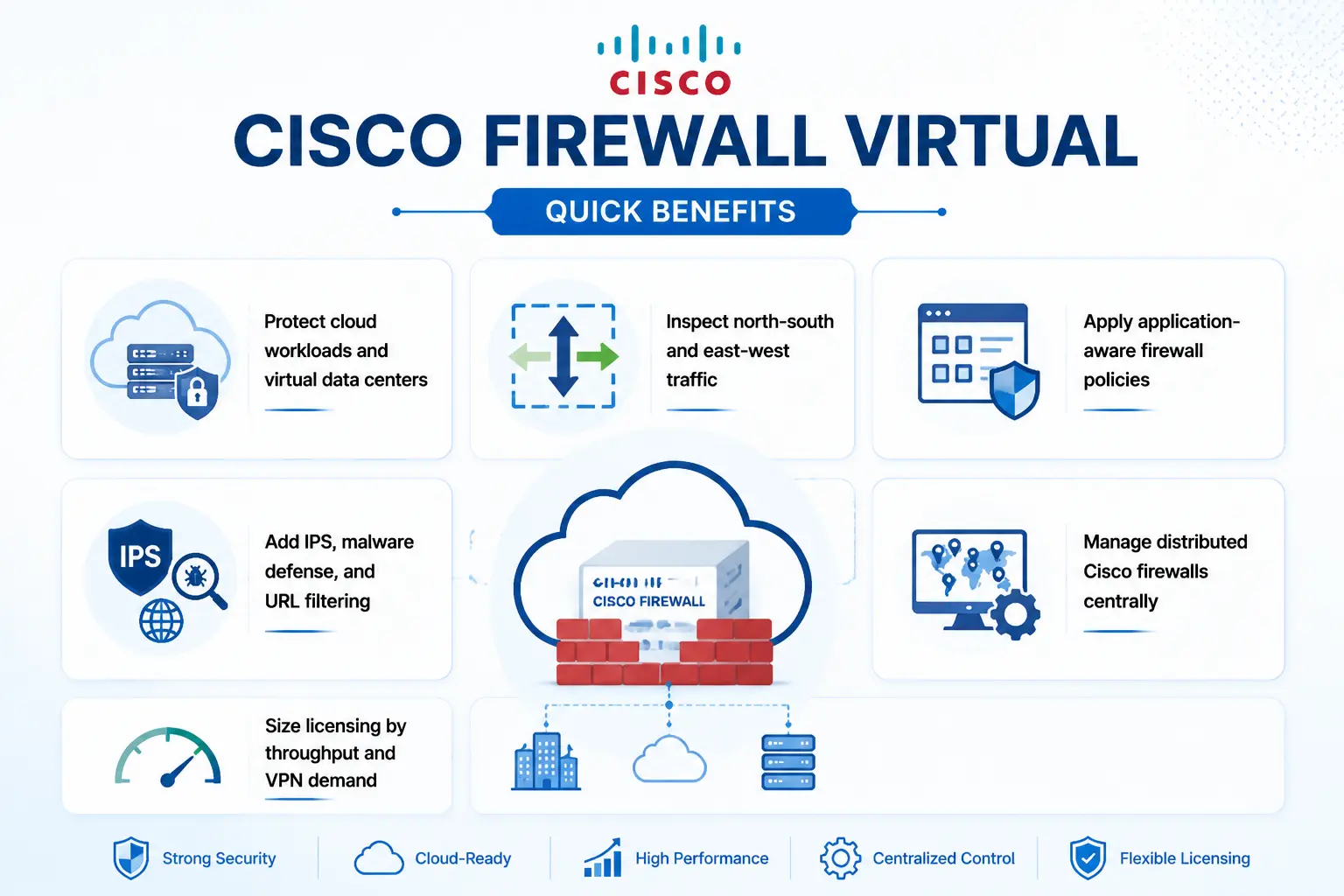
- Protect cloud workloads and virtual data centers
- Inspect north-south and east-west traffic
- Apply application-aware firewall policies
- Add IPS, malware defense, and URL filtering
- Manage distributed Cisco firewalls centrally
- Size licensing by throughput and VPN demand
Cisco Firewall Virtual At a Glance
What it is : A virtual next-generation firewall
Former name : Cisco FTDv
Parent Category : Cisco Firewall License
License type : Performance-based subscription
Available tiers : FTDv5, FTDv10, FTDv20, FTDv30, FTDv50, and FTDv100
Typical term : 1 year, 3 years, or 5 years
Management : Cisco Secure Firewall Management Center or supported local management
Activation : Cisco Smart Licensing or supported cloud marketplace licensing

Cisco Firewall Virtual License Overview
Cisco Firewall Virtual licensing is based on performance. The six current tiers range from FTDv5, with a 100 Mbps licensed rate limit and 50 Remote Access VPN sessions, to FTDv100, with a 16 Gbps rate limit and up to 10,000 Remote Access VPN sessions.
The subscription is ordered under the FTDV-SEC-SUB structure, with one-year, three-year, and five-year terms. Buyers select the required base tier and can add IPS, Malware Defense, and URL Filtering subscriptions. Quantities for optional services should normally align with the number of base licenses.
Licensing and virtual-machine sizing are related but separate decisions. The entitlement controls licensed throughput and VPN limits, while vCPU, memory, traffic mix, packet size, and enabled inspection features affect practical performance. Both devices in a high-availability pair require matching licenses.
Cisco Firewall Virtual Product Overview
Cisco Firewall Virtual places security controls close to cloud and virtual workloads. It can protect internet-facing applications, inspect traffic between subnets, segment application tiers, and secure connections between cloud and on-premises networks.
Virtual Firewall Inspection
Traffic is routed through the appliance, where access-control, NAT, application, and threat policies determine whether each connection is allowed, blocked, inspected, or logged.
Workload Segmentation
The firewall can separate production, development, database, and management networks while inspecting east-west traffic that may never pass through a physical perimeter.
Threat Prevention and VPN
With the appropriate subscriptions, Cisco Firewall Virtual supports Security Intelligence, intrusion prevention, malware defense, and URL filtering. It can also provide site-to-site and Remote Access VPN services, subject to performance-tier limits and relevant Cisco Secure Client licensing.
How Cisco Firewall Virtual Works
The firewall is deployed as a virtual machine or cloud instance and connected to the required management and data networks. Routing tables, virtual gateways, or cloud traffic-steering services then direct selected traffic through it for policy enforcement.
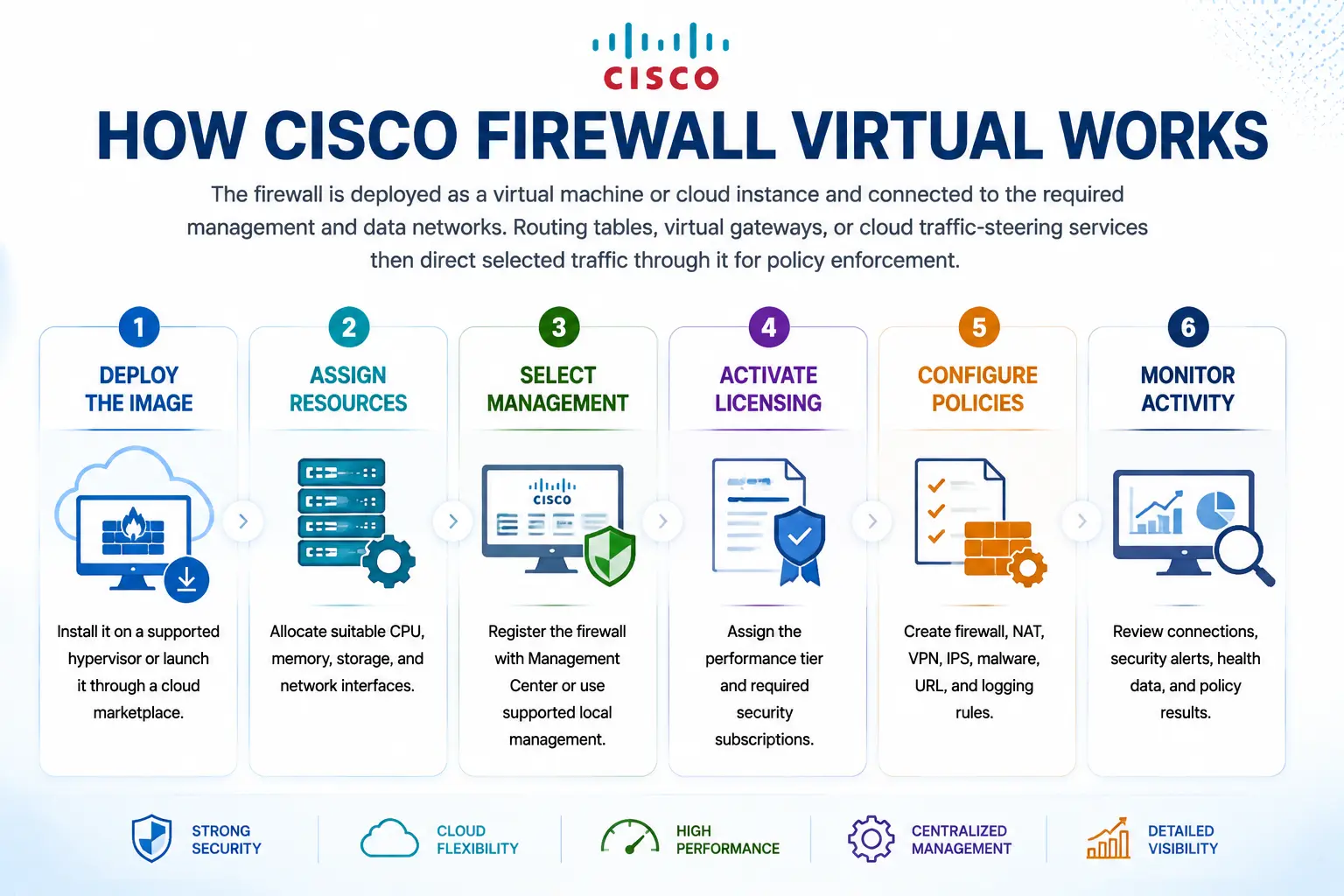
- Deploy the image: Install it on a supported hypervisor or launch it through a cloud marketplace.
- Assign resources: Allocate suitable CPU, memory, storage, and network interfaces.
- Select management: Register the firewall with Management Center or use supported local management.
- Activate licensing: Assign the performance tier and required security subscriptions.
- Configure policies: Create firewall, NAT, VPN, IPS, malware, URL, and logging rules.
- Monitor activity: Review connections, security alerts, health data, and policy results.
Core Technical Flow
Network Traffic → Cisco Firewall Virtual → Policy and Threat Inspection → Enforcement → Security Events. Traffic reaches the virtual appliance through the selected network path. The firewall evaluates it against access and security policies, applies the required action, and sends operational and threat events to the management platform.
Features & Benefits
Cisco Firewall Virtual extends consistent security controls across cloud, data center, and hybrid infrastructure. Application-aware policies provide more context than basic port rules, while optional threat services help identify exploits, malicious files, and risky destinations.
Centralized management supports shared policies, event analysis, health monitoring, and coordinated changes across physical and virtual Cisco firewalls. Performance tiers also allow capacity to be expanded as workload traffic or VPN usage increases.
Compatibility & Requirements
| Area | What to confirm |
|---|---|
| Deployment platform | Supported cloud, hypervisor, or private-cloud environment |
| VM resources | CPU, memory, storage, and network interfaces |
| Capacity | Inspected throughput and VPN sessions |
| Security services | IPS, Malware Defense, URL Filtering, and VPN |
| Management | Centralized, cloud-delivered, or local management |
| Resilience | HA or clustering support for the selected platform |
| Licensing | Customer Smart Account and correct Virtual Account |
Cisco Firewall Virtual Activation & Deployment
Licenses are delivered electronically through Cisco Smart Licensing. A Customer Smart Account and the correct Virtual Account should be identified before ordering. After deployment, the firewall is registered and the purchased performance and security entitlements are assigned. Compatibility must be checked against the exact software release and hosting platform. Support for high availability and clustering varies across VMware, KVM, Hyper-V, AWS, Azure, GCP, Nutanix, and other environments.
Cisco FTDv pricing depends on your license type, deployment model and support requirements.