

HP MSA (HPE MSA) storage provides shared block storage for supported server and virtualization environments. An HP MSA license request usually concerns data services for a specific array generation. Choosing an HPE MSA license starts with the model, installed entitlement, drive configuration, and required function.
Some MSA packages already include Advanced Data Services (ADS). Others offer it separately. Check the array before ordering so the quote covers a missing capability rather than duplicating software rights.
Quick Benefits
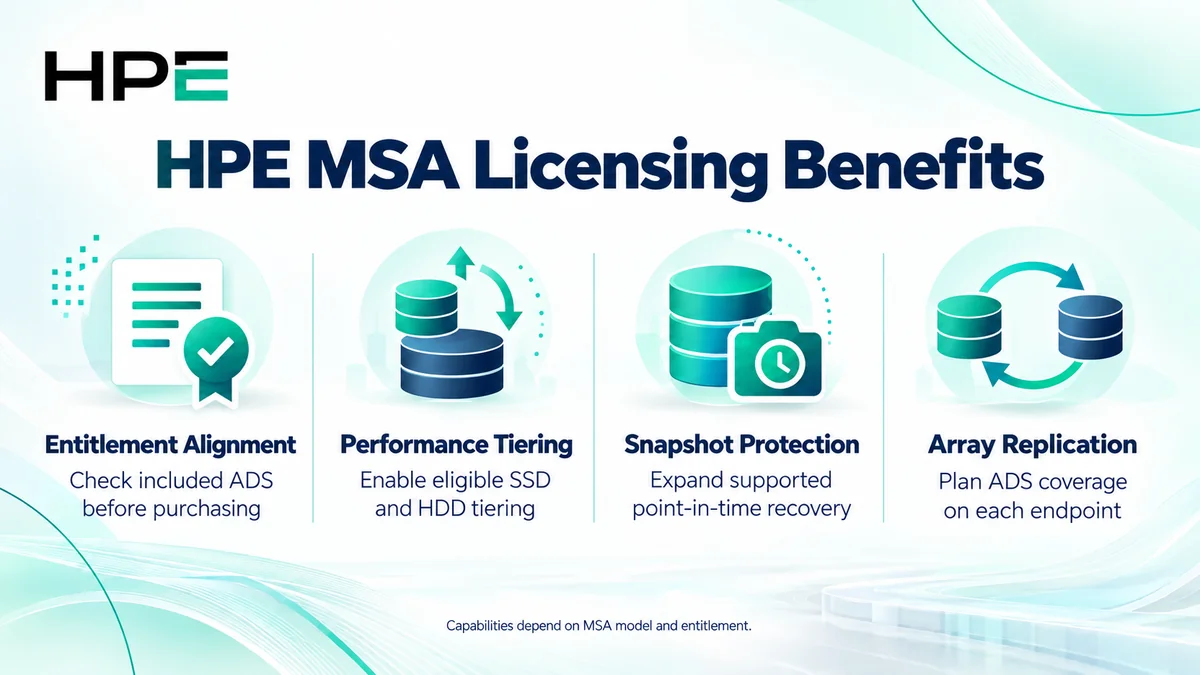
- Match data services to the installed MSA model
- Enable eligible performance tiering configurations
- Expand supported snapshot capabilities
- Plan array replication across licensed endpoints
At a Glance
- Vendor: Hewlett Packard Enterprise
- Product family: HP Storage
- Platform: MSA shared block storage arrays
- Typical entitlement: Advanced Data Services, subject to model
- Buyer inputs: Generation, firmware, existing license, drives, and protection requirements
- Replication scope: Assess each participating array

Features & Benefits
Performance Tiering and Workload Placement
On applicable models, ADS enables performance tiering between SSD and HDD resources. The array moves active data according to access patterns and available tiers. Distinguish this configuration from an all-SSD layout or SSD Read Cache: installing SSDs alone does not establish that a tiering license is required.
Snapshots and Remote Protection
ADS includes expanded snapshot capability and Remote Snap on supported systems. Snapshots provide point-in-time recovery resources, while array replication copies changes to a compatible destination. Confirm retention, available capacity, and licensing at both endpoints. These functions complement a backup strategy; successful recovery still requires configuration and testing.
Entitlement Alignment and Expansion Planning
MSA purchasing requires attention to the complete configuration. Included ADS on 2062 and 2072 packages can avoid a separate software purchase. Compare installed rights with the intended data services before adding drives or protection workflows. Physical expansion remains subject to supported enclosures, media, firmware, and capacity limits.
License Overview
HPE lists ADS as optional for MSA 2060 and 2070, and included with 2062 and 2072 systems. The suite covers Performance Tiering, 512 Snapshot Software, and Remote Snap entitlements for applicable models. Array-based replication requires ADS coverage for each participating array; included rights count toward that requirement.
Do not apply these purchasing rules automatically to every older MSA model. Review the generation-specific offering, existing license, and support separately. MSA is part of the broader HP License portfolio.
Product Overview
MSA arrays present block storage volumes to compatible hosts through supported controller interfaces. Controllers manage storage pools and serve I/O from installed media. Host connectivity, multipathing, volume mapping, and redundancy depend on the selected model and design; buying ADS does not configure those components.
Core Technical Flow
Applications send block I/O through host adapters and supported storage connections to mapped MSA volumes. Controllers process requests against the storage pool. Entitled tiering, snapshots, or replication operate according to configured policies. Administrators validate application access and recovery behavior after enabling the required services.
Options & Licensing Models
Select by model and required outcome. Separate software entitlement from drives, enclosures, and support coverage.
| Configuration | Licensing assessment |
|---|---|
| MSA 2060 or 2070 | Check whether optional ADS is installed or required |
| MSA 2062 or 2072 | Verify included ADS before ordering duplicate rights |
| Array replication pair | Confirm compatible systems and ADS on each array |
| Earlier MSA generation | Review its own feature packaging and current supply options |
Compatibility & Requirements
Check controller interfaces, firmware, host operating systems, adapters, multipathing, media, and expansion enclosures against HPE guidance. Replication also needs supported endpoints and connectivity. Do not assume every generation can replicate to another, or that an entitlement changes hardware compatibility. Review capacity reserved for snapshots and replication alongside application growth.
Activation & Deployment
Record the array serial number, model, firmware, and current license status. For a separate ADS purchase, prepare the entitlement order number and follow HPE redemption instructions. The documented MSA 2060 process generates a serial-bound license for installation through Storage Management Utility; use the guide for your generation.
Verify the installed entitlement, configure the intended service, and test it. Check tier availability, create a test snapshot, or validate replication and recovery as appropriate. Retain license records and configuration backups.
Pricing & Quote Process
Provide array product numbers, serials, firmware, existing entitlements, drive layout, and required services. For replication, include both systems and the connection design. Specify hardware expansion and support needs separately.
Request an HPE MSA quote to confirm entitlement compatibility, included software, delivery, activation responsibilities, and any required components.