

HP Storage in this category covers HPE enterprise storage platforms and their software entitlements. An HP storage license enquiry should identify the exact array or backup system, installed software, and required capability. Match HPE storage licensing to the platform before comparing quotes; features, expansion, and subscriptions differ.
Quick Benefits
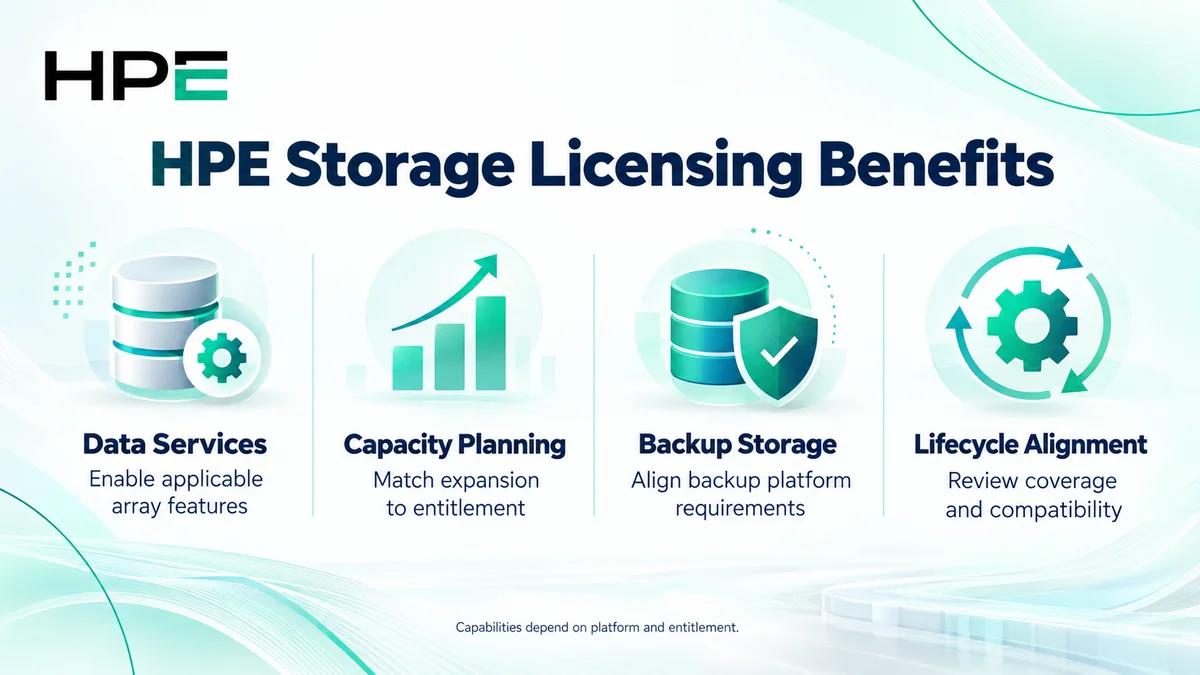
- Enable applicable array data services
- Plan supported storage capacity expansion
- Assess backup and recovery storage requirements
- Align software coverage with the installed platform
- Avoid purchasing features already included
At a Glance
- Vendor: Hewlett Packard Enterprise (HPE)
- Product family: HP License
- Main families: MSA, 3PAR, StoreOnce, and Alletra
- Buying scopes: Data services, capacity, software subscriptions, and support
- Deployment: Platform-specific storage and backup systems
- Quote inputs: Model, software version, existing rights, capacity, and features

Features & Benefits
Array Data Services and Workload Protection
Supported storage platforms provide capabilities such as snapshots and replication according to their software package. These functions help implement recovery and data-management designs, but inclusions differ between systems. Confirm what the installed model already provides before ordering another data-service entitlement.
Capacity Expansion and Infrastructure Planning
Expansion can involve physical hardware, licensed capacity, software coverage, or a combination. Distinguish raw, usable, and effective capacity when describing the requirement. Evaluate hardware limits, supported media, and workload demand alongside software rights.
Backup Storage and Lifecycle Alignment
StoreOnce addresses backup storage, while primary storage arrays serve a different operational role. Feature rights and security options vary by generation and release. Align management, backup integration, support, and any subscription term with the deployment so a new purchase covers the intended systems and services.
License Overview
HP Storage is a product-family category, not one license bundle. Some platforms include data services in the base configuration; others offer optional licenses or subscriptions. MSA 2062 configurations, for example, include an Advanced Data Services entitlement that can be optional on other models. Confirm the actual order and installed rights.
Do not apply one StoreOnce generation’s licensing rules to every system. Likewise, an Alletra Storage MP B10000 subscription has its own capacity and term requirements. License duration, hardware warranty, software updates, and technical support should be checked separately.
Product Overview
Choose HPE MSA for the relevant modular array requirement, or review HPE 3PAR against the installed system and support path. HPE StoreOnce covers backup storage, while HPE Alletra requires identification of the exact product line. These names do not share a universal entitlement model.
Core Technical Flow
Applications or backup software send data through supported host and network connections to the selected storage platform. Controllers or backup services process and store the data, applying configured policies and entitled features. Management tools report health, capacity, and protection status. Include the surrounding Network License requirements when planning the complete environment.
Options & Licensing Models
Define the required outcome before selecting an entitlement. Compare existing inclusions with the proposed expansion.
| Scope | Selection Focus |
|---|---|
| Array data-service feature | Exact model, included package, snapshots, and replication needs |
| Capacity expansion | Supported hardware, licensed measurement, and growth |
| Storage software subscription | Product line, covered capacity, services, and term |
| Backup storage options | Generation, software release, security, and integrations |
| Existing installation review | Installed rights, support status, and available transition route |
Compatibility & Requirements
Validate array generation, controller software, supported drives, host adapters, and connectivity. Check operating-system, hypervisor, multipathing, and backup-software interoperability as applicable. Replication designs also require compatible endpoints and adequate network capacity. Confirm firmware and management prerequisites before scheduling an upgrade.
Activation & Deployment
Prepare entitlement documents, account access, and the system serial number or locking identifier where required. Follow the selected platform’s redemption and assignment guide. Supported MSA and StoreOnce workflows can use device-bound license files; applicable Alletra deployments use their documented management and subscription workflow.
After activation, inspect license status, covered capacity, and enabled features. Confirm system health and host access, then test the relevant snapshot, replication, or backup operation. Retain the entitlement record and verify recovery procedures before relying on the new capability.
Pricing & Quote Process
Provide product numbers, software versions, existing licenses, current capacity, and planned growth. State whether capacity figures are raw or usable, and describe performance, retention, replication, encryption, and backup requirements. Identify both source and destination systems when protection spans sites.
Request an HP storage licensing quote to confirm feature inclusions, supported expansion, subscription term where applicable, support coverage, and activation responsibilities.