






HP Software in this category covers HPE infrastructure management and related enterprise entitlements. Choosing an HP software license starts with the task: remote server access, centralized hardware management, or a supported cloud management service. Match the HPE software license to the server generation, existing rights, and deployment model before requesting a quote.
Quick Benefits
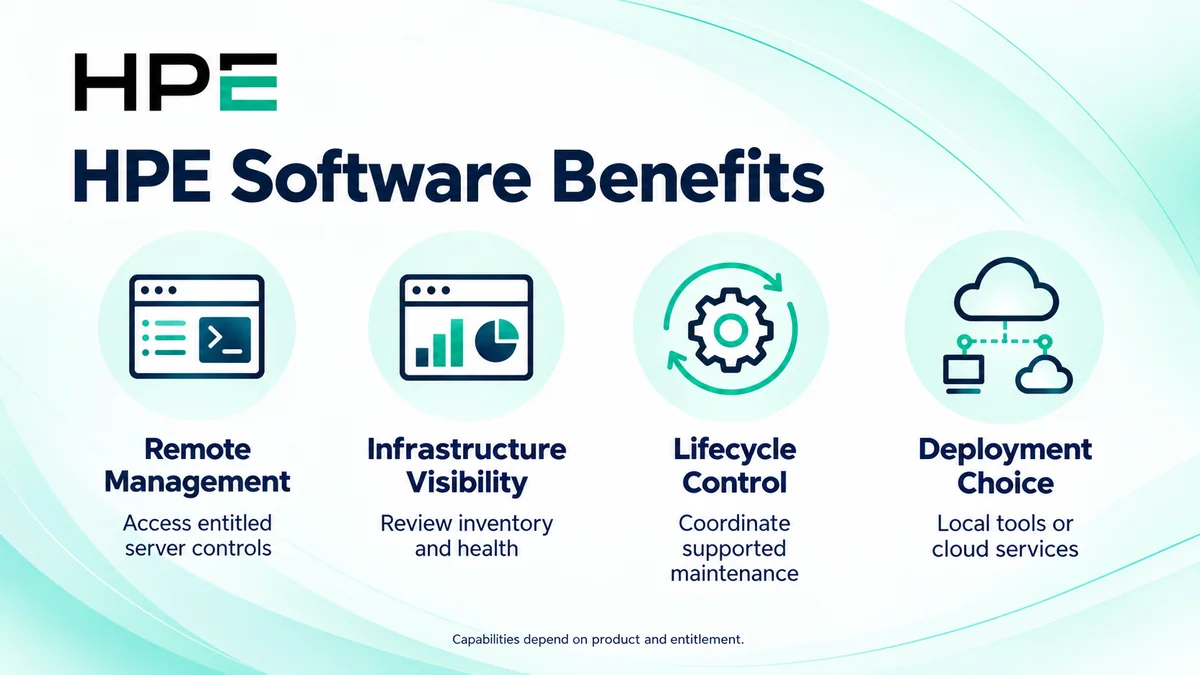
- Enable entitled remote management capabilities
- Coordinate infrastructure inventory and monitoring
- Standardize supported lifecycle operations
- Choose local or cloud management where supported
- Avoid buying overlapping software rights
At a Glance
- Enterprise vendor: Hewlett Packard Enterprise (HPE)
- Product family: HP License
- Main requirements: Server access, monitoring, and infrastructure operations
- Primary child products: iLO Advanced and OneView
- Deployment: Embedded management, local appliance, or applicable cloud service
- Quote inputs: Product, managed systems, hardware generation, and support

Features & Benefits
Remote Access and Server Administration
HPE iLO provides embedded server management, with advanced capabilities available through the appropriate entitlement. Features such as remote console and virtual media depend on the platform and license. Administrators can manage supported servers independently of the installed operating system.
Infrastructure Visibility and Lifecycle Control
HPE OneView brings supported infrastructure into a common management framework. Monitoring, inventory, and reporting differ from the broader lifecycle functions available with Advanced licensing. Identify the required operational actions first, then check the edition, hardware support, and any iLO dependency before selecting the entitlement.
Management Deployment and Operational Consistency
HPE offers local management tools and cloud services for supported environments. Compute Ops Management uses service-specific subscriptions and device onboarding. Choose around connectivity, operating procedures, and hardware coverage; a local software license does not automatically grant access to every cloud management capability.
License Overview
HP Software is a category, not a universal license bundle. iLO, OneView, and Compute Ops Management have distinct usage rights and assignment methods. Some OneView Advanced packages include iLO Advanced, while variants without iLO do not supply equivalent embedded-management rights. Review existing entitlements before adding another product.
Separate license duration from support coverage. A support period does not establish when usage rights expire. Confirm perpetual versus subscription terms, update rights, and renewal requirements for the exact order.
Product Overview
Use HPE iLO Advanced for the embedded management requirement and HPE OneView for supported infrastructure management. Cloud management requirements need a separate service and compatibility assessment. For legacy software, identify the current product owner and support route rather than assuming every historical HP-branded tool belongs to the same portfolio.
Core Technical Flow
The selected management tool connects to supported systems through their management interfaces. It collects inventory and health information and performs authorized operations according to configuration and entitlement. Administrators validate results and maintain access, connectivity, and lifecycle controls. These capabilities complement the broader Network License environment.
Options & Licensing Models
Choose the management layer before comparing commercial scope. Check existing bundles and supported devices alongside the required features.
| Option | Assessment Focus |
|---|---|
| iLO Advanced | Server platform, embedded-management features, existing rights, and support |
| OneView Standard or Advanced | Monitoring versus lifecycle needs and supported infrastructure |
| OneView Advanced without iLO | Separate iLO entitlement and feature dependencies |
| Compute Ops Management | Supported devices, subscription tier, management connection, and term |
Compatibility & Requirements
Validate server generation, iLO version, firmware, and software interoperability against the selected release. Check appliance resources for local management and connectivity requirements for cloud services. Review access permissions, certificates, DNS, and time synchronization where applicable. An entitlement does not make unsupported hardware compatible.
Activation & Deployment
Prepare account access, entitlement documents, server identifiers, and the management inventory. Redeem applicable licenses through the HPE licensing portal following the product guide. Install an iLO key through its licensing interface or add the relevant OneView key to the appliance; do not treat these as interchangeable workflows.
For Compute Ops Management, prepare the correct workspace and service assignment, then onboard supported devices with the applicable subscriptions. Verify license or subscription status, covered systems, and available capacity. Test a representative permitted management action and confirm that monitoring data updates before expanding deployment.
Pricing & Quote Process
Provide server models, generations, quantities, installed management versions, and existing entitlements. Describe required console access, virtual media, monitoring, firmware operations, and preferred deployment. Include current support dates, subscription expiry where applicable, and planned growth.
Identify whether iLO rights are already included in the proposed bundle to avoid duplication. Request an HP software quote to review product scope, managed-system coverage, support, term, and activation responsibilities.