

ManageEngine Application Manager helps organizations monitor application performance, server health, database availability, and business service uptime from a centralized monitoring platform.
Quick benefits
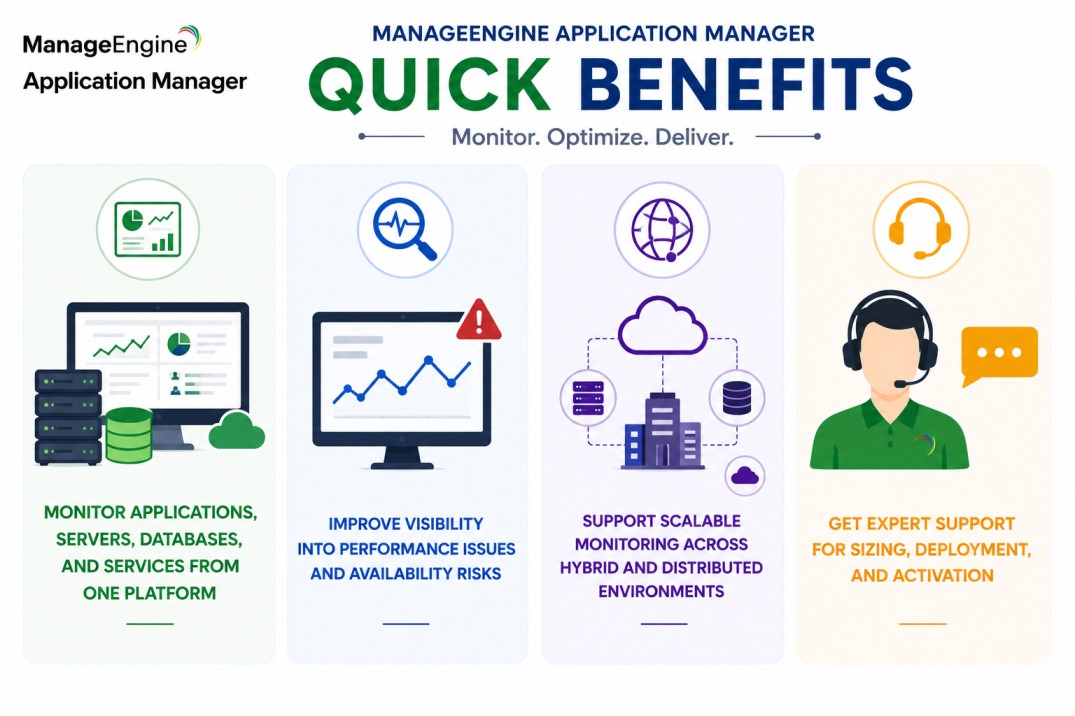
- Monitor applications, servers, databases, and services from one platform
- Improve visibility into performance issues and availability risks
- Support scalable monitoring across hybrid and distributed environments
- Get expert support for sizing, deployment, and activation
ManageEngine Application Manager At a glance
What it does : ManageEngine Application Manager provides application performance monitoring, infrastructure visibility, database monitoring, server monitoring, and service availability tracking.
License type : Subscription or perpetual licensing, depending on edition and deployment model
Typical term : 1 year · 3 years · perpetual options
Activation method : Online activation or offline XML-based activation
Who needs it : Organizations that need centralized visibility into application health, infrastructure dependencies, uptime, and operational performance across enterprise environments

License Overview
Organizations deploying application monitoring platforms usually need licensing that reflects how many applications, servers, databases, services, and infrastructure components must be monitored across the environment. The ManageEngine Application Manager license is generally aligned with monitoring scope, enabled features, infrastructure scale, and application dependency visibility. This may include web applications, databases, middleware, cloud services, virtual environments, and business-critical systems.
Because application environments often span multiple technologies and infrastructure layers, licensing should be planned around actual monitoring coverage rather than only server count. A small environment with many application dependencies may still require broader monitoring capacity than expected. A properly aligned license helps organizations maintain application visibility, improve performance monitoring, and support stronger operational reliability as systems and services grow.
Product Overview
Modern application environments often include multiple layers: web servers, databases, middleware, APIs, cloud services, and infrastructure dependencies. When performance issues occur, identifying the actual source can become difficult without centralized monitoring.
ManageEngine Application Manager is designed to help IT teams monitor these layers together and understand how application performance is affected by underlying infrastructure.
In practice, the platform tracks availability, response time, resource usage, database performance, service health, and application behavior from a unified console. This gives administrators a clearer view of where slowdowns, outages, or dependency issues are happening.
One of the key operational advantages is faster troubleshooting. Instead of checking each system separately, teams can review application and infrastructure metrics in one place and respond more quickly.
For organizations running business-critical applications, this centralized approach supports better uptime, stronger service visibility, and more predictable performance management.
Core technical flow
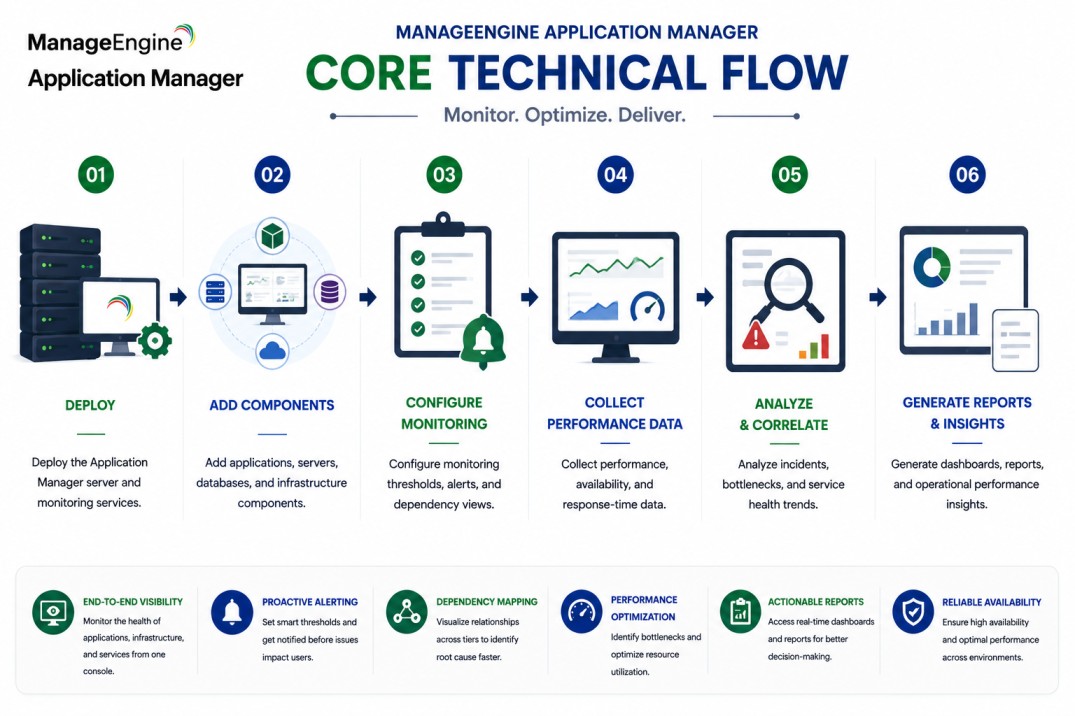
- Deploy the Application Manager server and monitoring services
- Add applications, servers, databases, and infrastructure components
- Configure monitoring thresholds, alerts, and dependency views
- Collect performance, availability, and response-time data
- Analyze incidents, bottlenecks, and service health trends
- Generate dashboards, reports, and operational performance insights
Options & Tiers
| Licensing Model | Best for | Typical Scope | What affects pricing |
|---|---|---|---|
| Standard application monitoring | Core monitoring environments | Application and server visibility | Monitor count |
| Enterprise deployment | Large operational environments | Scalable application and infrastructure monitoring | Environment scale |
| Subscription or perpetual | Flexible deployment models | Annual or permanent usage | Term and maintenance |
| Distributed monitoring setup | Multi-site or hybrid environments | Broader monitoring coverage | Architecture complexity |
Features & Benefits
As application environments grow across on-prem, cloud, and hybrid infrastructures, maintaining clear performance visibility becomes more important for daily operations.
ManageEngine Application Manager helps organizations centralize application and infrastructure monitoring so teams can identify performance problems before they become major service issues.
One of the major benefits is improved dependency visibility. IT teams can understand whether a problem is caused by the application itself, the database, the server, the network, or another supporting component.
The platform also supports more scalable monitoring operations by helping administrators standardize alerts, dashboards, reports, and performance thresholds across multiple systems.
Over time, this helps organizations improve service reliability, reduce troubleshooting delays, and maintain better visibility into business-critical applications.
System Requirements
Common environments
- Enterprise application environments
- Server and database infrastructures
- Hybrid and distributed monitoring ecosystems
- Business-critical service environments
Technical requirements
- Supported Windows or Linux deployment infrastructure
- Connectivity to monitored applications, servers, and databases
- Internet connectivity or offline XML activation support
How activation works
Activating ManageEngine Application Manager usually starts with deploying the monitoring server and applying the purchased license through the product administration interface. In online environments, activation can generally be completed from the console using the provided license information.
For restricted or offline environments, Application Manager can support XML-based activation workflows. In these scenarios, administrators generate or import an XML file with the customer’s chosen name and deployment details to activate the platform manually without requiring direct internet connectivity.
Depending on the edition and deployment model, activation may also validate monitor count, enabled monitoring modules, distributed monitoring components, reporting features, and enterprise-level capabilities. After activation, organizations should review monitored resources, alerting policies, and application coverage to ensure the deployment remains aligned with the active licensing capacity.
Pricing factors + quote process
Organizations usually size ManageEngine Application Manager according to the number of monitors, application dependencies, infrastructure components, and performance visibility requirements. Environments with many databases, middleware systems, virtual machines, cloud services, or business-critical applications may require broader monitoring capacity and more detailed deployment planning.
Additional considerations, such as edition type, distributed monitoring requirements, reporting needs, maintenance coverage, and subscription term, can also influence pricing. During the quote process, application monitoring goals, infrastructure scope, and operational visibility requirements are reviewed first so the licensing approach can match the organization’s performance monitoring strategy more accurately.
After you request a quote
- We review your application and infrastructure monitoring scope
- Recommend the most suitable Application Manager edition
- Provide official pricing and delivery details
- Share activation and deployment guidance
ManageEngine pricing depends on your license edition, users, devices, deployment model, term, and support needs.