

Cisco License is the foundation for activating, renewing, managing, and expanding Cisco software features across networking, security, collaboration, wireless, data center, and cloud-connected infrastructure. Whether the environment includes Cisco switches, routers, firewalls, infrastructure. Whether the environment includes Cisco switches, routers, firewalls, wireless controllers, collaboration platforms, or data center products, the correct Cisco license determines which features can be used, how the product is activated, how usage is reported, and how support or subscription coverage is maintained.
Key benefits
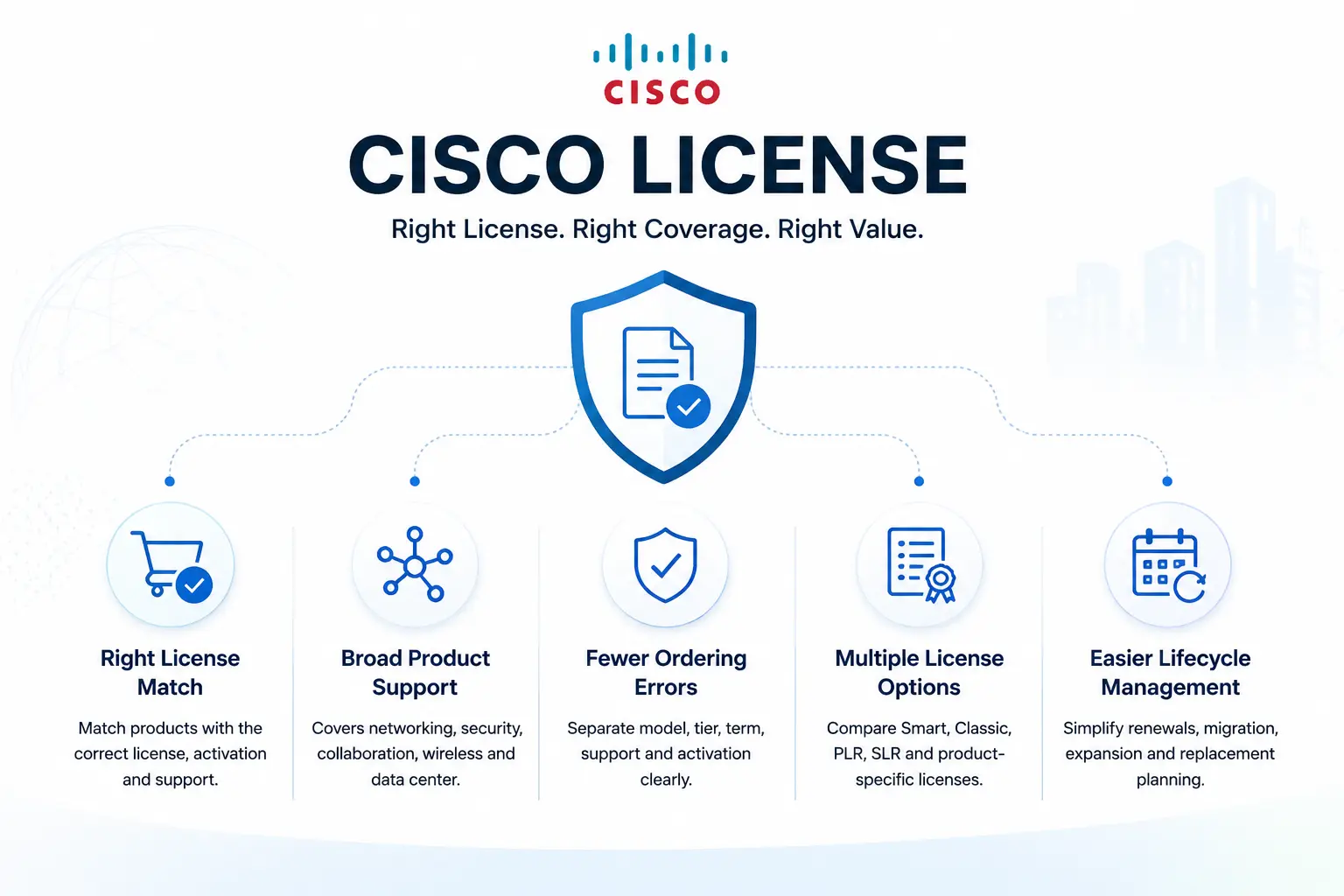
- Helps match Cisco products with the correct license type, subscription, activation method, and support coverage
- Supports planning for Cisco networking, firewall, collaboration, wireless, data center, and security environments
- Reduces ordering mistakes by separating product model, license tier, term length, support contract, and activation workflow
- Helps teams compare Smart License, Classic License, PLR License, SLR License, and product-specific license requirements
- Makes renewal, migration, expansion, and replacement planning easier across multi-vendor and multi-site environments
Cisco License At a glance
What it covers : Cisco software licensing, subscription licensing, feature activation, renewals, support coverage, Smart Accounts, offline licensing, and product-specific license planning.
Typical license models : Cisco Smart License, Cisco Classic License, Cisco SLP License, Cisco SLR License, Cisco PLR License, and product-specific licensing.
Common product areas : Cisco Switch License, Cisco Router License, Cisco Firewall License, Cisco Wireless License, Cisco UC License, Cisco Security License, Cisco Data Center License, Cisco Nexus License, Cisco MDS License, and Cisco Catalyst License.
Main buyer need : Choosing the correct Cisco license before purchasing, renewing, activating, upgrading, migrating, or expanding Cisco infrastructure.
Who uses it : Network engineers, security teams, IT managers, data center teams, procurement teams, system integrators, and organizations managing Cisco hardware or software.
Cisco License Overview
Cisco License refers to the software licensing structure used to enable features, subscriptions, capacity, security services, management functions, and support coverage across Cisco products. Different Cisco platforms use different licensing models, so the right license depends on the product family, software version, deployment method, feature requirement, and customer environment.
For example, a Cisco firewall may require base firewall licensing plus security subscriptions such as IPS, Malware Defense, URL Filtering, or VPN-related licensing. A Cisco switch may require Network Essentials, Network Advantage, Cisco DNA, or Catalyst software subscriptions depending on the model and use case. A Cisco collaboration deployment may involve calling, messaging, meetings, contact center, or user-based licensing. Data center products may require licenses tied to ACI, Nexus Dashboard, MDS SAN features, Intersight, or NX-OS functionality.
Because of this variety, the best Cisco license decision starts with the real technical requirement, not only the product name. The model, serial number, software image, feature set, term, activation method, Smart Account status, and support requirement should be reviewed before ordering.
How Cisco Licensing Works
Cisco licensing usually follows a simple operational flow: identify the product, confirm the required features, choose the correct license model, assign or activate the license, and maintain compliance through renewal or reporting. In modern Cisco environments, many products use Smart Licensing. This allows purchased licenses to be associated with a Smart Account and organized through Virtual Accounts. Depending on the product and software version, licenses may be managed through Cisco Smart Software Manager, Cisco License Central, Smart Software Manager On-Prem, Cisco Smart License Utility, or product-specific management platforms.
Some environments still use Classic Licensing, especially older Cisco products that rely on PAK codes, license files, node-locked activation, or traditional software activation workflows. Secure or disconnected networks may require SLR License or PLR License options where supported. These methods are important for organizations that cannot keep products continuously connected to Cisco cloud licensing services. The right workflow depends on the Cisco product, software release, connectivity policy, and customer security requirements.
Main Cisco License Categories
| Category | What it usually covers |
|---|---|
| Cisco Smart License | Smart Account-based license management for supported Cisco software and devices |
| Cisco Classic License | Traditional PAK, license file, and product-specific activation for older Cisco platforms |
| Cisco SLP License | Smart Licensing Using Policy for supported products with policy-based reporting workflows |
| Cisco SLR License | Specific License Reservation for supported products in restricted or disconnected environments |
| Cisco PLR License | Permanent License Reservation for supported products and approved offline licensing use cases |
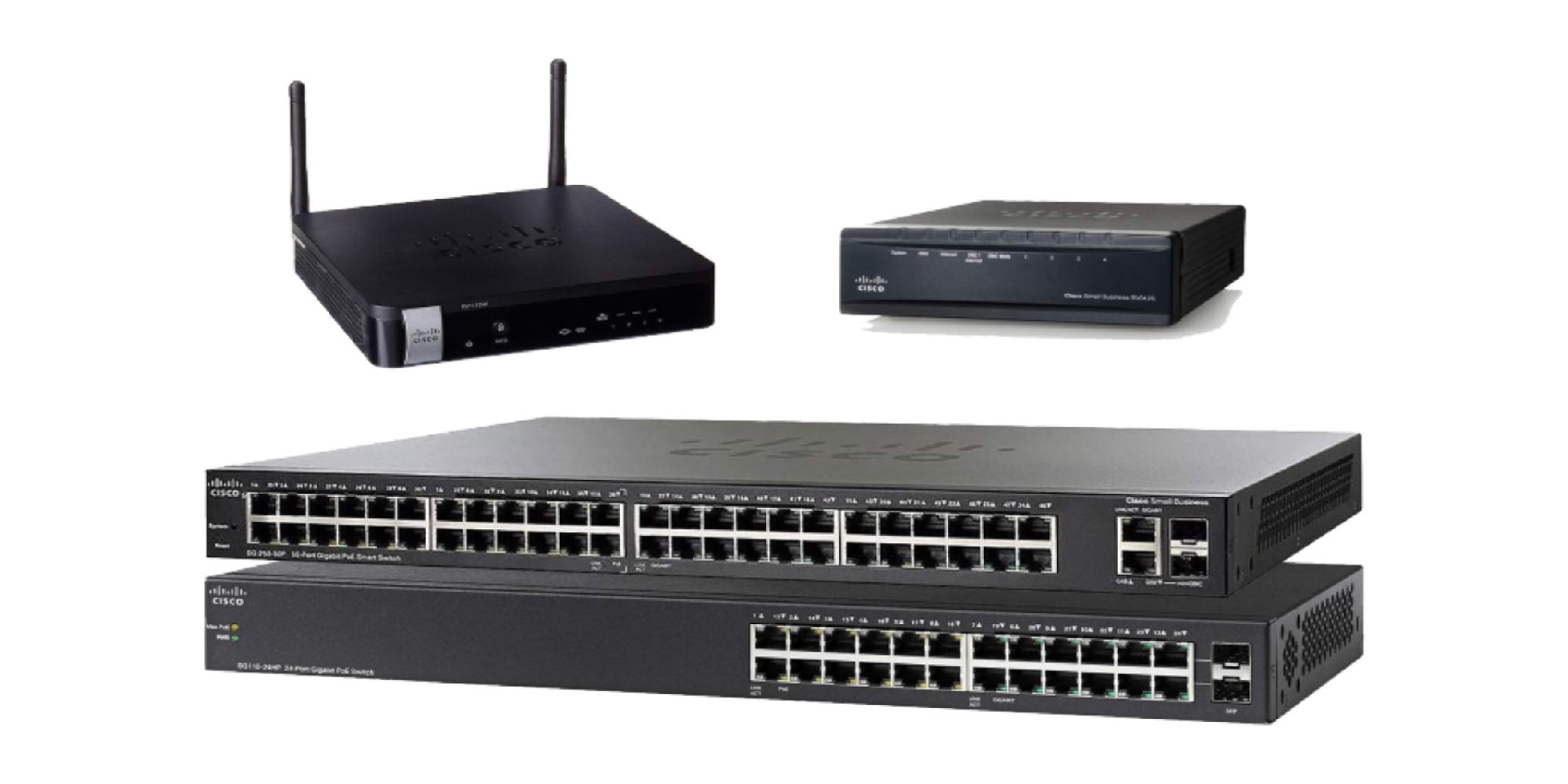
| Cisco Switch License | Catalyst, Nexus, and related switching licenses, feature tiers, DNA/Catalyst subscriptions, and renewals |
| Cisco Router License | ISR, ASR, NCS, Catalyst 8000, Cisco 8000, SD-WAN, routing subscriptions, and performance-related licenses |
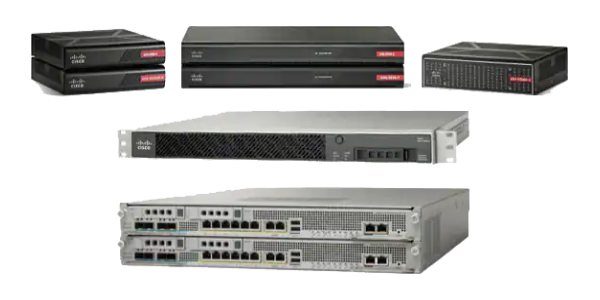
| Cisco Firewall License | Cisco Secure Firewall, ASA, Threat Defense, IPS, Malware Defense, URL Filtering, VPN, and support licensing |
| Cisco Wireless License | Catalyst wireless controllers, access points, DNA wireless subscriptions, and wireless management licensing |
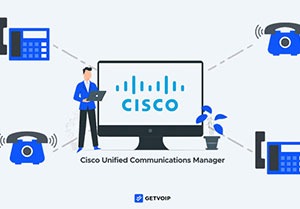
| Cisco UC License | Collaboration, calling, conferencing, contact center, user licensing, and Cisco UC software coverage |
| Cisco Data Center License | Nexus, MDS, ACI, UCS, Intersight, Nexus Dashboard, and data center software licensing |
Cisco License Models and Activation Methods
Cisco licensing can be cloud-connected, on-premises, file-based, reserved, or product-specific. In many current deployments, Smart Licensing is the default licensing model, especially for newer software and hardware platforms. It gives organizations a central place to view and manage licenses, assign them to Virtual Accounts, and track usage across supported Cisco products.
Cisco Smart Licensing Using Policy, often shortened to SLP, changes how some products report usage. Instead of relying only on traditional registration behavior, supported products can report usage through defined policy and reporting workflows. This is especially relevant for newer Cisco software versions across routing, switching, wireless, security, and data center platforms.
For restricted environments, SLR License and PLR License may be considered where Cisco supports them. These options are not universal for every product, so buyers should confirm eligibility before planning an offline activation. For legacy products, Classic License workflows may still apply, especially when PAK-based activation or license files are required.
Features & Benefits
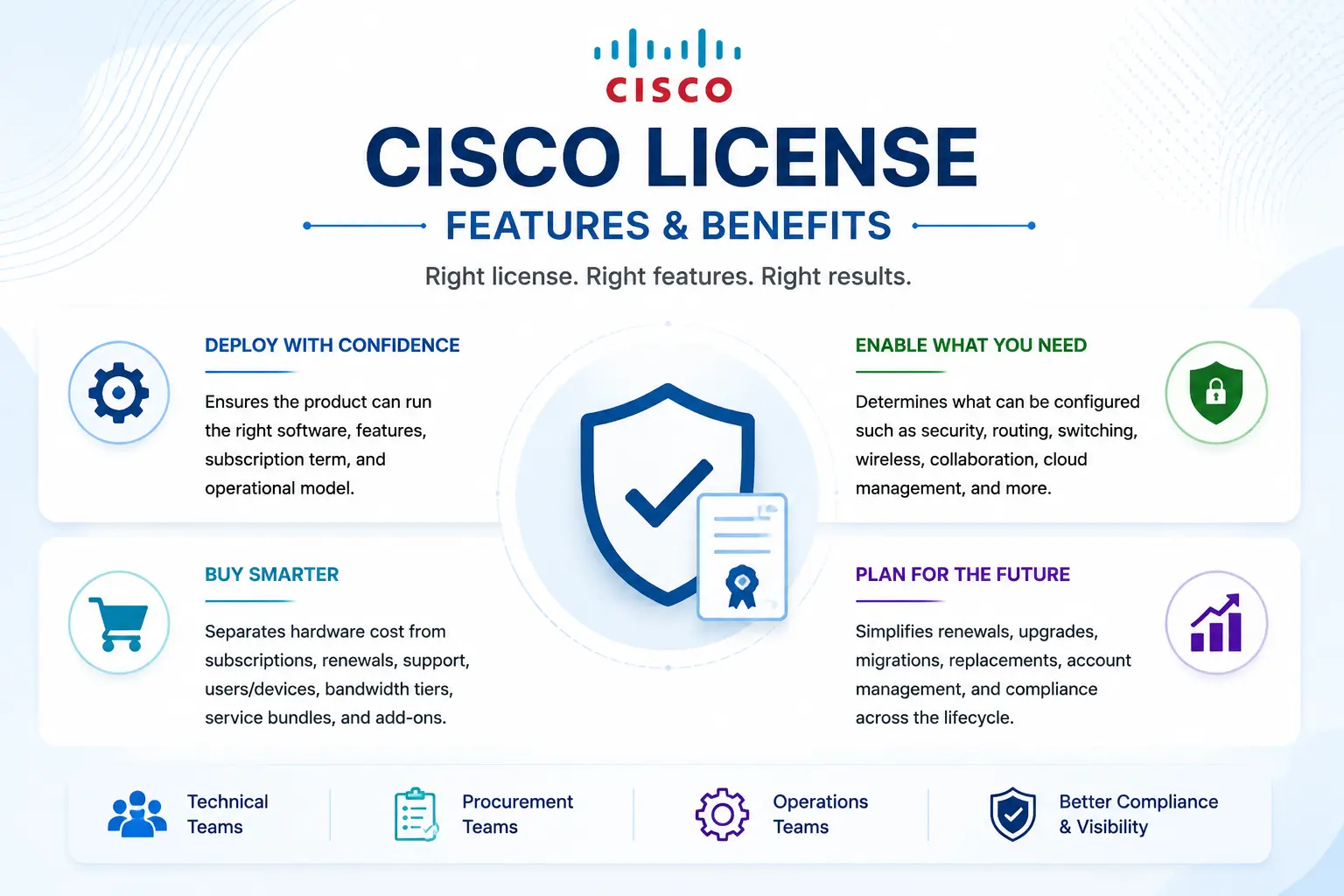
A properly selected Cisco license helps the organization avoid deployment delays and mismatched orders. It confirms that the product can run the expected software image, enable the required feature set, support the correct subscription term, and align with the customer’s operational model.
For technical teams, licensing affects what can be configured. Security inspection, routing capabilities, switching tiers, wireless features, collaboration users, controller capacity, cloud management, analytics, automation, and support coverage may all depend on the license.
For procurement teams, Cisco licensing helps separate hardware cost from subscription cost, renewal cost, support term, user count, device count, bandwidth tier, security service bundle, and optional add-ons. This makes quoting more accurate and reduces the risk of buying a license that does not match the deployment.
For operations teams, the right Cisco license also supports lifecycle planning. Renewals, upgrades, migrations, replacements, PLR or SLR requirements, Smart Account cleanup, and compliance reporting are easier when licensing is documented from the beginning.
Compatibility & Requirements
Before purchasing a Cisco License, several details should be checked. The most important are the exact product model, software version, license type, required feature set, deployment mode, support status, and activation method.
For hardware products, the serial number, product ID, software image, and current license status are often needed. For subscription products, the term length, user count, device count, bandwidth tier, service bundle, or managed asset count may be required. For Smart Licensing, the Smart Account and Virtual Account should be ready before activation. For offline or restricted environments, SLR or PLR eligibility should be confirmed before the order is finalized.
Compatibility is especially important during migrations. Moving from Classic License to Smart License, ASA to Secure Firewall Threat Defense, older Catalyst licensing to DNA or Catalyst subscriptions, or legacy UC licensing to newer collaboration models can change the SKU, activation process, and support requirement.
Pricing factors & quote process
Cisco License pricing depends on the product family, license model, software tier, subscription term, quantity, feature bundle, support level, activation method, and renewal status. The same product can have different licensing requirements depending on whether it is used for basic operation, advanced features, security services, cloud management, automation, analytics, or high-availability deployment.
To request an accurate quote, prepare the product model, serial number if available, current license status, required features, number of devices or users, subscription term, Smart Account status, deployment mode, and renewal deadline. For firewalls, include security subscriptions and VPN requirements. For switches and routers, include software tier, bandwidth or DNA requirements, and support term. For collaboration and security platforms, include users, endpoints, modules, or service bundles.
A clean quote should separate hardware, software licenses, subscriptions, support contracts, renewals, activation requirements, and optional services. This helps the buyer compare options clearly and avoid hidden gaps after purchase.
Cisco License pricing depends on your license type, deployment model and support requirements.