

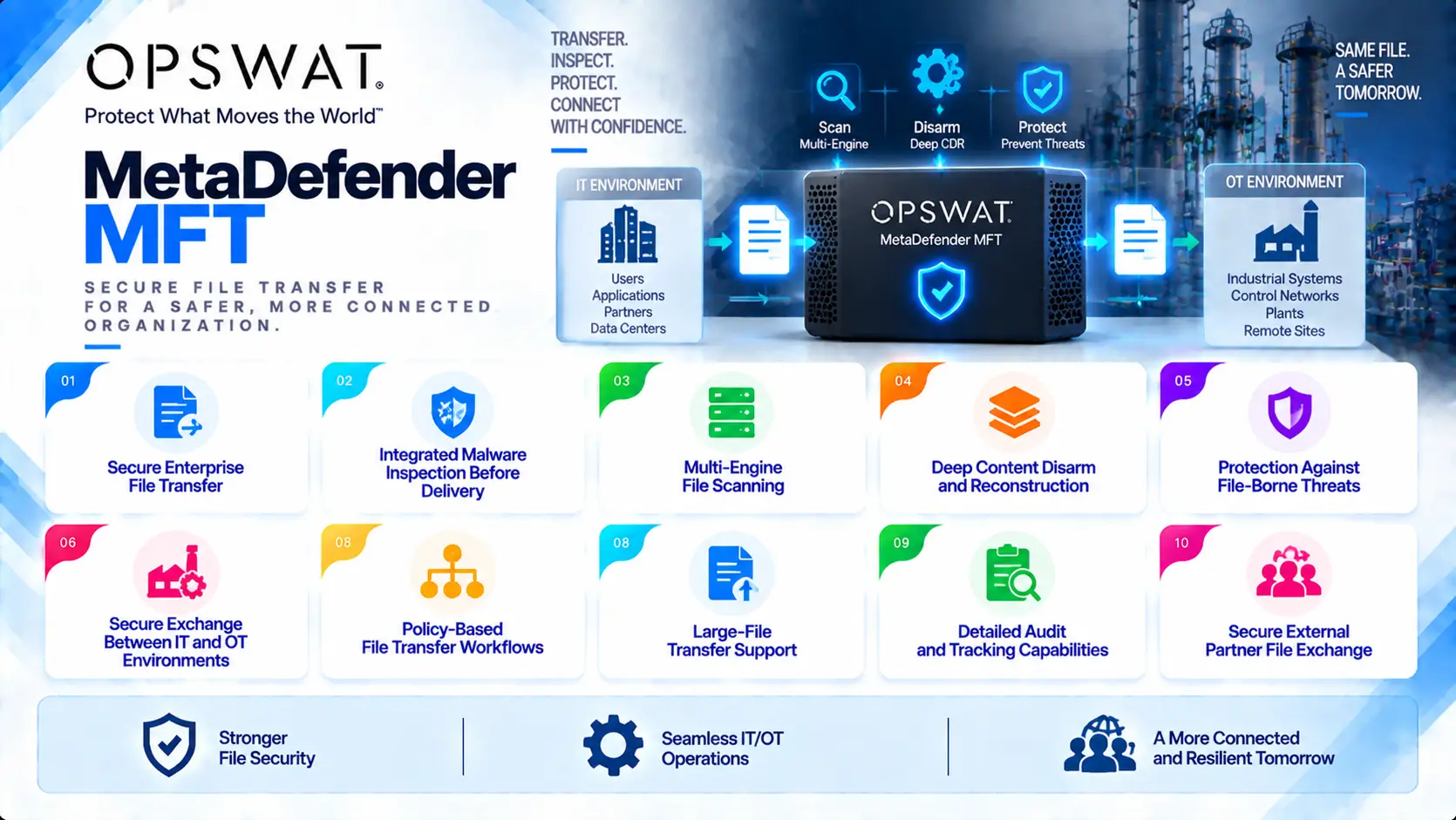
OPSWAT MD MFT (MetaDefender Managed File Transfer) is a secure file-transfer solution designed to protect organizations when exchanging files between internal systems, external partners, suppliers, customers, and isolated environments. By combining managed file transfer capabilities with MetaDefender Core security technologies, MD MFT enables organizations to inspect, sanitize, and control files before they reach trusted systems.
Quick Benefits
- Secure enterprise file transfer
- Integrated malware inspection before delivery
- Multi-engine file scanning
- Deep Content Disarm and Reconstruction
- Protection against file-borne threats
- Secure exchange between IT and OT environments
- Policy-based file transfer workflows
- Large-file transfer support
- Detailed audit and tracking capabilities
- Secure external partner file exchange
OPSWAT MD MFT At a Glance
What it is: Secure managed file transfer platform
Product name: MetaDefender Managed File Transfer
Parent category: OPSWAT License
Primary role: Securely transfer, inspect, and control files before delivery
Core security integration: MetaDefender Core
Main protection areas: File exchange, malware prevention, sensitive data protection, and secure business workflows
Security technologies: Multiscanning, Deep CDR, Adaptive Sandbox, Threat Intelligence, and file validation
Deployment models: On-premises, private cloud, hybrid, and restricted environments
Typical environments: Enterprise IT, government, defense, healthcare, finance, manufacturing, critical infrastructure, and OT networks
Transfer methods: Web-based secure transfer workflows and controlled file exchange processes
License Overview
An OPSWAT MD MFT License provides the required entitlement to deploy MetaDefender Managed File Transfer and apply secure file-exchange policies across an organization.
Unlike traditional file-transfer solutions that focus mainly on moving data from one location to another, MD MFT adds a security inspection layer before files are delivered. The license configuration is therefore influenced by both transfer requirements and security analysis requirements.
Important licensing considerations include:
- Number of users or transfer participants
- Number of deployments
- File-processing volume
- Storage requirements
- Integration with MetaDefender Core
- Required scanning engines
- Deep CDR usage
- Sandbox requirements
- Data protection requirements
Organizations can customize MD MFT according to their security workflow. A company exchanging general business documents may require a different configuration compared with a defense organization transferring files between isolated networks.
Because MD MFT works closely with MetaDefender Core, advanced security capabilities depend on the selected Core configuration and enabled modules.
Product Overview
Secure Managed File Transfer
Organizations frequently exchange files with external entities such as:
- Suppliers
- Contractors
- Customers
- Business partners
- Remote locations
- Internal departments
Traditional email attachments and unmanaged file-sharing platforms can introduce security risks because files may bypass inspection processes.
MetaDefender MFT creates a controlled transfer environment where files are uploaded, inspected, and released according to predefined policies.
This allows organizations to maintain business collaboration while reducing the risk of malicious file introduction.
Integrated Threat Detection
The main security advantage of MD MFT is that file transfer is combined with advanced threat inspection.
Before a file reaches the destination, it can be analyzed through MetaDefender Core technologies including:
- Multiple anti-malware engines
- File reputation analysis
- Threat intelligence
- File structure validation
- Deep CDR
- Sandbox analysis
This approach reduces the possibility of transferring infected or unsafe files between trusted environments.
Deep Content Disarm and Reconstruction
File transfer creates a unique security challenge because users often need to receive documents that may contain active content.
Deep CDR allows MD MFT workflows to sanitize supported files by removing potentially dangerous components while maintaining the usability of the document.
Examples include:
- Office documents
- PDFs
- Presentations
- Other supported business file formats
This capability is valuable for organizations that need to accept external documents but want additional protection against unknown threats.
| Licensing Option | Description | Suitable For |
|---|---|---|
| Standard MD MFT Deployment | Secure file-transfer capabilities with basic inspection workflows | Enterprise file exchange |
| MetaDefender Core Integration | Adds advanced malware inspection and file analysis | Security-focused file-transfer environments |
| Multi-Engine Scanning | Uses multiple malware detection engines before delivery | High-security organizations |
| Deep CDR Module | Sanitizes supported documents during transfer | Organizations requiring protection from unknown document threats |
| Adaptive Sandbox Integration | Adds behavioral analysis for suspicious files | Advanced threat investigation workflows |
| Enterprise Transfer Deployment | Supports larger user bases and higher transfer volumes | Large organizations and distributed environments |
| Offline / Restricted Deployment | Supports isolated environments with controlled activation | Defense, government, and OT networks |
| Custom Security Workflow Configuration | Combines different inspection and approval policies | Complex business processes |
Features and Benefits
The primary benefit of OPSWAT MD MFT is combining business file exchange with security inspection.
Many organizations cannot stop file transfers because collaboration with external entities is essential. Instead, MD MFT introduces a security layer where every file can be evaluated before entering a trusted environment.
By integrating with MetaDefender Core, organizations can move beyond traditional file-transfer security. A file can be scanned by multiple engines, sanitized through Deep CDR, analyzed through sandboxing, and evaluated according to organizational policies.
Another important benefit is visibility. Managed transfer workflows provide administrators with better control over:
- Who transferred a file
- When it was transferred
- Where it was sent
- What security checks were applied
- Whether the file was modified or blocked
This improves both security operations and compliance reporting.
Compatibility and Requirements
Before purchasing an OPSWAT MD MFT License, evaluate:
- Number of users
- Number of external partners
- Expected file-transfer volume
- Maximum file sizes
- Storage requirements
- Required MetaDefender Core configuration
- Malware scanning requirements
- Deep CDR requirements
- Sandbox requirements
- Network architecture
Activation and Deployment
A typical MD MFT deployment includes:
- Install MetaDefender Managed File Transfer
- Configure transfer policies
- Activate the OPSWAT license
- Connect MetaDefender Core services
- Configure security modules
- Define users and permissions
- Configure storage and retention settings
- Test transfer workflows
- Deploy into production
For restricted environments, offline activation methods can be used where direct internet access is not permitted. Organizations operating sensitive networks should also define secure update and maintenance procedures before production deployment.
Pricing and Quote Process
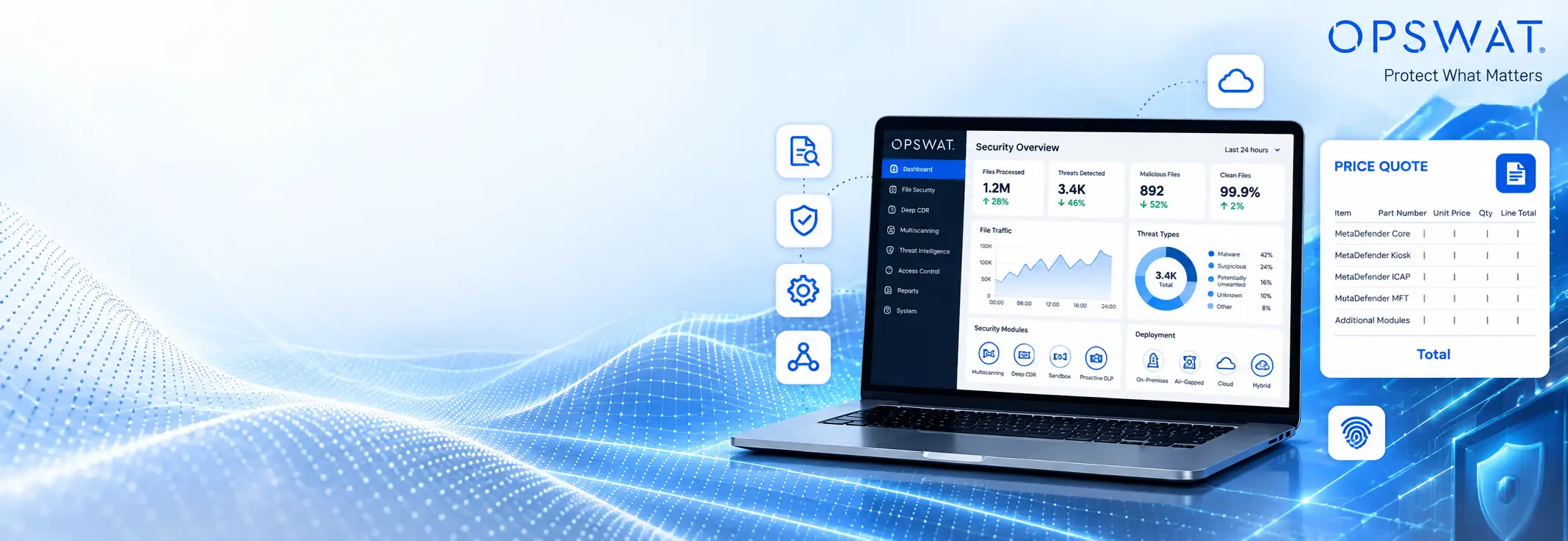
Pricing for OPSWAT MD MFT depends on deployment size, users, transfer requirements, storage capacity, and selected security modules.
Before requesting a quote, prepare:
- Number of users
- Number of external partners
- Expected transfer volume
- File size requirements
- Storage requirements
- Required MetaDefender Core integration
- Number of malware engines
- Deep CDR requirements
- Sandbox requirements
- Offline deployment requirements
- High-availability requirements
- Support requirements
OPSWAT pricing depends on your product family, MetaDefender modules, deployment model, file security requirements, license term, and support needs.