

HP StoreOnce, documented today as HPE StoreOnce, provides deduplicated backup storage for supported data protection applications. An HP StoreOnce license request should identify the system generation, software version, installed capacity, and required service. HPE StoreOnce licensing differs between physical appliances, virtual deployments, and optional cloud or security functions.
Start with the existing entitlement inventory. Capacity expansion, Cloud Bank Storage, security, and backup application licensing serve different purposes; they should be assessed separately before requesting a quote.
Quick Benefits
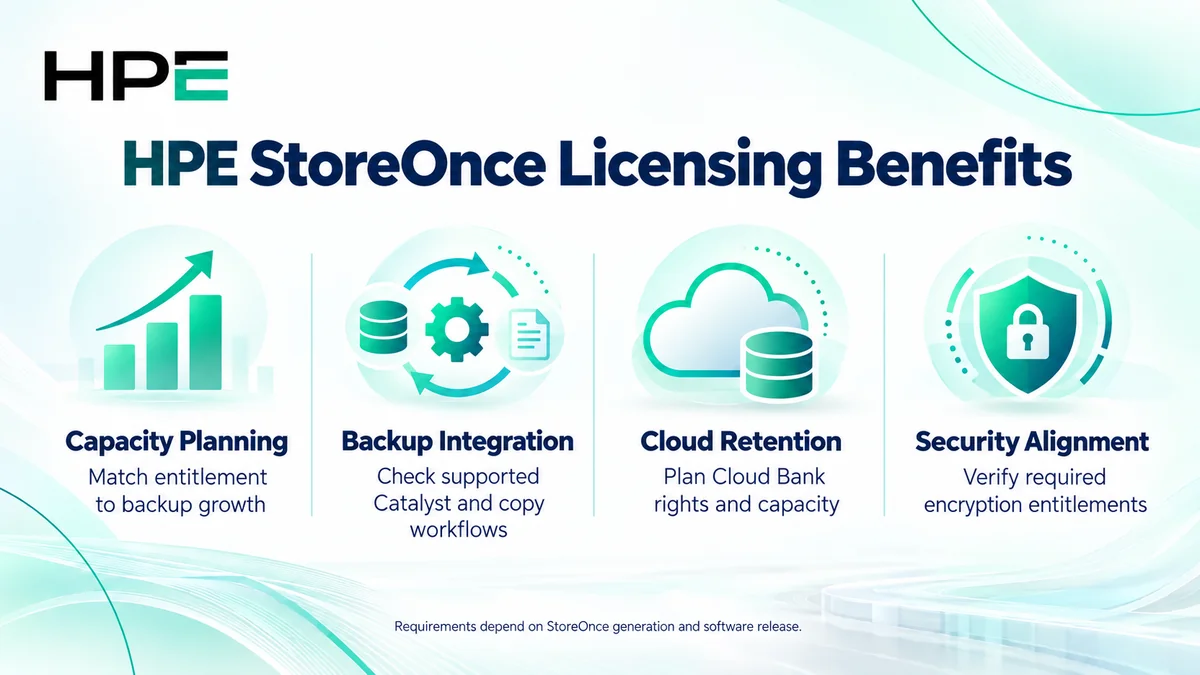
- Match backup capacity entitlement to the deployment
- Check included Catalyst and replication capabilities
- Plan optional cloud storage and security services
- Align backup integrations with supported software versions
At a Glance
- Vendor: Hewlett Packard Enterprise
- Product family: HP Storage
- Deployment: Physical StoreOnce systems or StoreOnce VSA
- Primary use: Deduplicated backup storage and data protection workflows
- License inputs: Model, release, capacity definition, and optional services
- Integration: Supported backup software and connectivity

Features & Benefits
Capacity Planning and Backup Efficiency
StoreOnce deduplication reduces repeated backup data stored on the system. Size the deployment using protected workloads, retention, change rate, and backup windows. Capacity entitlements must follow the selected product’s definition; logical backup data, usable local capacity, and cloud capacity are different measurements.
Backup Integration and Copy Workflows
StoreOnce Catalyst integrates with supported backup applications for backup and copy operations. HPE documentation for 3720, 3760, 5720, and 7700 systems running software 5.2 states that Catalyst and replication do not require separate licenses. Check older platforms independently and confirm any backup application rights outside StoreOnce.
Cloud Retention and Security Options
Cloud Bank Storage extends supported Catalyst workflows to compatible object storage. Its entitlements and capacity scope are separate from local storage. Security features can also require additional licensing on applicable systems. Confirm encryption requirements, cloud destination, release compatibility, and provider charges before adding these services to the design.
License Overview
There is no single license covering every StoreOnce deployment. Physical capacity upgrades may combine hardware with an entitlement, while VSA software has deployment-specific capacity licensing. Cloud Bank read/write and other rights must match the relevant offering. Separate permanent rights, any term-based elements, and support according to the quoted SKU.
Do not transfer licensing assumptions between generations. Compare current entitlements with the required outcome, and review the wider HP License portfolio when planning related infrastructure.
Product Overview
StoreOnce is a backup target rather than primary application storage. Supported backup software sends data to configured stores or devices using the available integration. StoreOnce processes and retains that data for later recovery or copy operations. Administrators still define retention, access controls, and recovery procedures within the complete protection environment.
Core Technical Flow
A backup application reads protected data and sends it to StoreOnce through a supported path. The system stores deduplicated data and associated metadata. Configured copy workflows can send protection data to another supported target or cloud storage. Recovery retrieves the required backup through the application; entitlement alone does not configure or test this flow.
Options & Licensing Models
Identify deployment, capacity, optional services, and software dependencies.
| Scope | Purchasing assessment |
|---|---|
| Physical system expansion | Model, supported hardware kit, and capacity entitlement |
| StoreOnce VSA | Software generation, capacity, deployment resources, and licensing method |
| Cloud Bank Storage | Read/write scope, capacity, destination, and applicable extra rights |
| Security options | Required encryption functions and release-specific entitlement |
Compatibility & Requirements
Validate StoreOnce release, backup application, Catalyst integration, connectivity, and supported cloud storage against HPE guidance. For VSA, check the documented virtualization platform and resource requirements. Physical expansion needs compatible hardware. Review older systems for lifecycle and upgrade restrictions, and avoid assuming every source and target generation supports the same copy workflow.
Activation & Deployment
Collect model, software release, current licenses, capacity inventory, and entitlement documents. Applicable standalone workflows use a Locking ID, commonly the system serial number. Redeem the entitlement through the HPE portal specified on the certificate, then apply the issued LTU key through StoreOnce Management Console using the model-specific guide.
VSA license-server deployments require their own assignment procedure. After activation, verify entitlement and available capacity, configure the service, run a representative backup and restore, and test copy operations where required.
Pricing & Quote Process
Provide model or VSA version, software release, installed licenses, current capacity, growth, and retention. Specify Cloud Bank destination and capacity, encryption, backup software, and copy targets. Identify cloud consumption and hardware costs separately.
Request an HP StoreOnce quote to confirm compatible entitlements, included functions, support scope, delivery, and activation responsibilities.