

HPE AirWave, documented as HPE Aruba Networking Management Software (AirWave), brings wired and wireless network operations into a centralized management platform. An HPE AirWave license should match your supported infrastructure, device capacity, and server roles. When comparing an Aruba AirWave license with other HPE license options, start with the network inventory and the tasks your team needs to perform.
Quick Benefits
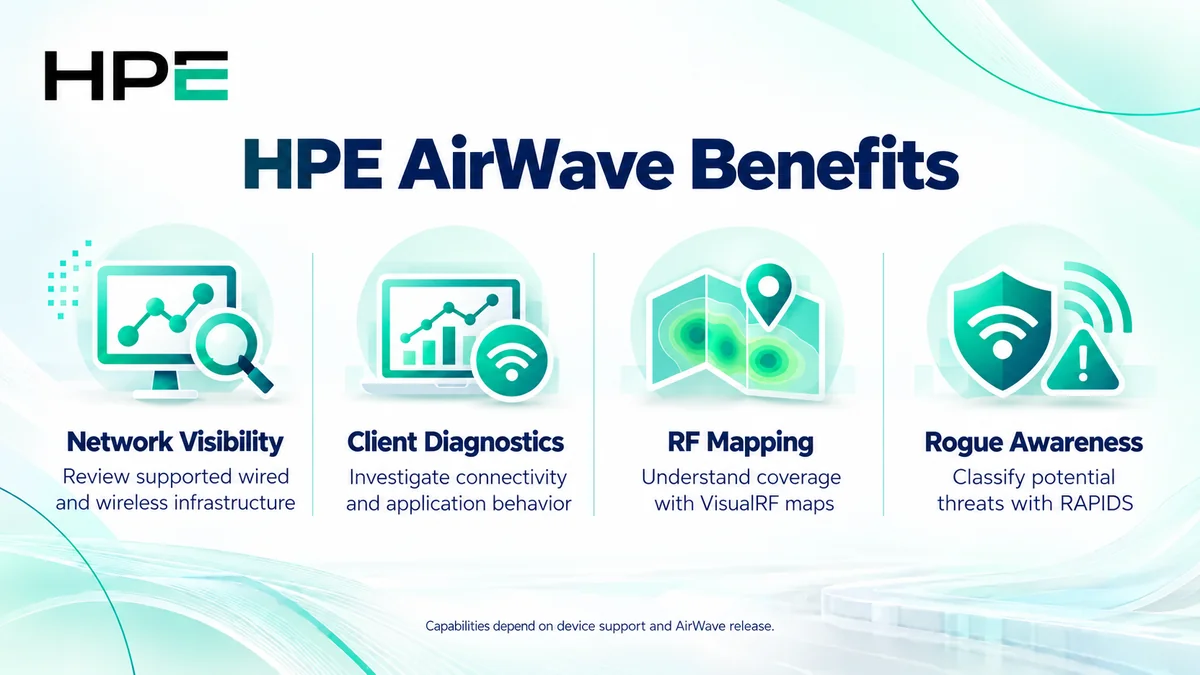
- Centralize supported wired and wireless network visibility.
- Investigate client connectivity and application performance.
- Use VisualRF maps to understand wireless coverage.
- Review potential rogue devices through RAPIDS.
At a Glance
- Vendor: HPE Aruba Networking
- Product family: HP Software
- Deployment: Customer-managed network management server
- Primary sizing: Licensed device capacity
- Additional roles: Failover and Conductor Console
- Order inputs: Release, inventory, existing licenses, and topology

Features & Benefits
Network Visibility and Client Diagnostics
AirWave combines device status, client information, and historical reporting. Clarity and AppRF help administrators investigate connectivity and application behavior on supported platforms. This gives operations teams useful context before escalating an issue or replacing equipment.
RF Mapping and Rogue Awareness
VisualRF presents wireless coverage and location information against floor plans. RAPIDS helps teams identify and classify potential rogue devices. These capabilities support investigation; their usefulness depends on the available device data, accurate maps, and supported integrations.
Configuration and Operational Consistency
Supported configuration workflows help teams manage network settings from a common console. Monitoring and configuration coverage vary by device family and software release, so confirm the required operation rather than assuming every discovered device offers identical controls.
License Overview
AirWave licensing is centered on device capacity and the server role being licensed. Count the intended managed estate using the applicable guide: documented switch-stack counting can differ from a simple physical-unit total. Review existing entitlement before ordering expansion. The broader HP License portfolio includes separate infrastructure products with different licensing metrics.
AirWave documentation distinguishes regular servers, failover servers, and Conductor Console licenses. Check the quoted SKU, usage rights, support coverage, and any applicable duration separately. An AirWave entitlement should not be treated as an Aruba Central subscription or a replacement for device operating-system licenses.
Product Overview
AirWave is suited to organizations that need a customer-managed operational view of supported wired and wireless infrastructure. Its dashboards, reports, maps, and device groups organize troubleshooting across sites. Multi-vendor support is selective: a listed device may offer monitoring without every configuration or diagnostic capability available on another platform.
Core Technical Flow
Administrators add supported devices and establish the required management access. AirWave collects operational information, associates it with devices and clients, and presents dashboards, alerts, reports, and RF views. Teams investigate findings and apply supported configuration changes where authorized. Network access, credentials, and device capabilities determine which workflows succeed.
Options & Licensing Models
Choose the server role before finalizing capacity. The options below describe purchasing scope, rather than interchangeable feature tiers.
| Option | Licensing focus | Buyer check |
|---|---|---|
| AirWave server | Device management capacity | Inventory, growth, and existing entitlement |
| Failover server | Backup management role | Protected servers and required coverage |
| Conductor Console | Multi-server oversight | Architecture and console entitlement |
Compatibility & Requirements
Validate exact device models, firmware, and required functions against the matrix for your proposed AirWave release. Confirm server resources, storage retention, and network communication requirements using that release’s installation guidance. A license adds entitlement; it does not make an unsupported device, firmware combination, or management operation compatible.
Activation & Deployment
Before requesting a key, confirm organization details and the intended server IP address. Back up an existing installation and record current license capacity. In Home > License, add the supplied license text and accept the agreement. Check the displayed organization, server address, device count, and valid status. Then onboard a representative device and validate current data, reports, and the required management workflow.
Pricing & Quote
HPE AirWave pricing depends on required capacity, existing rights, server roles, and the support scope being quoted. Send your device list, stack topology, AirWave release, current license summary, and expected growth. Identify whether this is a new installation, expansion, or resilience project. Request an HPE AirWave quote with itemized entitlement, support, delivery method, and activation responsibilities confirmed before ordering.