

HPE Nimble Storage provides all-flash and adaptive-flash arrays for supported application and virtualization environments. An HPE Nimble license enquiry should start with the array model, installed software, included rights, and support coverage. HPE Nimble Storage licensing must be assessed alongside hardware and deployment requirements.
HPE describes all-inclusive software licensing for applicable Nimble offerings. Before requesting a standalone feature license, check whether the array already includes the required capability.
Quick Benefits
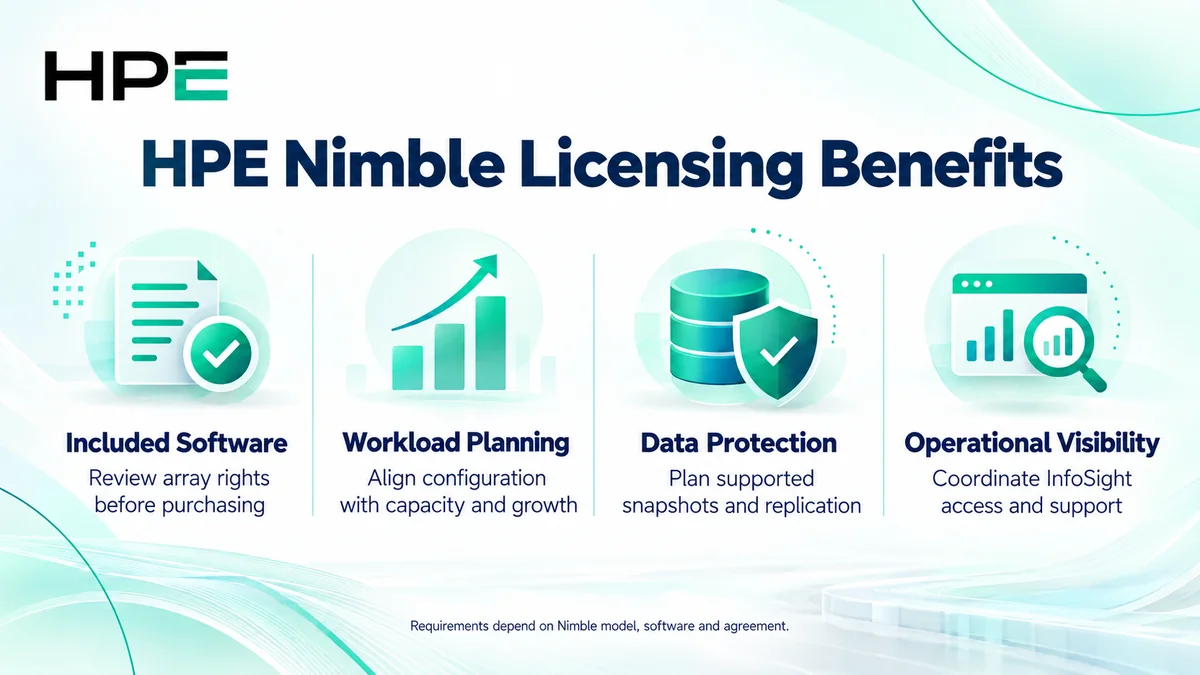
- Review included software before purchasing additional rights
- Align storage configuration with workload and growth
- Plan supported snapshot and replication workflows
- Coordinate InfoSight access and support coverage
At a Glance
- Vendor: Hewlett Packard Enterprise
- Product family: HP Storage
- Platforms: Nimble all-flash and adaptive-flash arrays
- Commercial focus: Included software, support, and eligible expansion
- Buyer inputs: Model, serial, Array OS, capacity, and required workflow
- Management: Array tools and applicable HPE InfoSight services

Features & Benefits
Included Software and Workload Planning
Applicable Nimble offerings include software capabilities under an all-inclusive model. Match the installed entitlement and platform to the required function instead of assuming each feature needs a separate license. Size capacity and performance using application demand, growth, retention, and available media; software rights do not add physical resources.
Snapshots, Replication, and Recovery
Nimble supports snapshot and replication workflows on compatible configurations, with application integration where supported. Define the recovery objective and verify both endpoints before planning remote protection. Included array capabilities do not automatically include every backup application license or implementation service. Recovery still requires configuration, reserved capacity, and testing.
Operational Visibility and Support Alignment
HPE InfoSight provides operational insight for supported Nimble deployments when correctly configured and associated with the customer account. Review connectivity, account access, and support status. Support is required for Nimble arrays according to HPE documentation; included software and hardware warranty should not be treated as equivalent to the required support service.
License Overview
Nimble purchasing is not simply a choice between generic feature tiers. Review the original array configuration, included software rights, and existing agreement. Confirm whether the request concerns support renewal, hardware expansion, an integration, or a transition to another platform. Do not assume a universal per-terabyte software subscription applies to every Nimble system.
HPE Alletra 5000 and 6000 have related architectural and operational documentation, but platform names and commercial arrangements remain distinct. Assess a proposed transition separately. The wider HP License portfolio covers related enterprise infrastructure requirements.
Product Overview
Nimble arrays present shared block storage to compatible hosts through supported interfaces. All-flash and adaptive-flash configurations address different workload and media requirements. Controllers manage volumes and underlying storage resources, while host configuration and multipathing determine application connectivity.
Core Technical Flow
Applications send block I/O through configured host paths to mapped volumes. The array processes data against installed resources. Snapshot policies and replication operate as configured on supported systems. Administrators observe health and capacity through available tools, then validate application access and recovery with representative tests.
Options & Licensing Models
Separate included capabilities from additional components and services.
| Request | Quote assessment |
|---|---|
| Existing array software review | Model, included rights, OS, and requested capability |
| Support renewal | Serial, current coverage, service level, and eligible term |
| Capacity or controller expansion | Compatible hardware, configuration limits, and support impact |
| Protection or platform transition | Endpoint compatibility, integrations, migration scope, and entitlement |
Compatibility & Requirements
Check Array OS, host operating systems, adapters, multipathing, storage interfaces, and application integrations against HPE guidance. Replication modes have different model and release restrictions. Confirm expansion shelf, drive, and controller compatibility. Verify current supportability and supply for the exact system rather than assuming every historical Nimble component remains orderable.
Activation & Deployment
Record the array serial, model, installed software, and support documents. Confirm included rights and any separately purchased entitlement. HPE’s Nimble setup guidance uses Storage Setup Manager from the Windows Toolkit, or a documented CLI procedure when a Windows host is unavailable. Follow the model-specific installation checklist.
Associate supported assets with the correct InfoSight account and configure required connectivity. Use the appropriate HPE instructions for any separately issued entitlement; do not assume a universal feature-key installation. Validate system health, volume access, host paths, and the intended protection workflow.
Pricing & Quote Process
Provide model and serial, Array OS, existing support, capacity and performance requirements, and growth plans. Identify snapshot, replication, backup integration, and migration needs. State the required service level and deployment assistance.
Request an HPE Nimble quote to confirm included software, eligible components, support coverage, availability, delivery, and implementation responsibilities.